

Free Mood Board Maker
The Mood Board Maker Built for Your iPhone
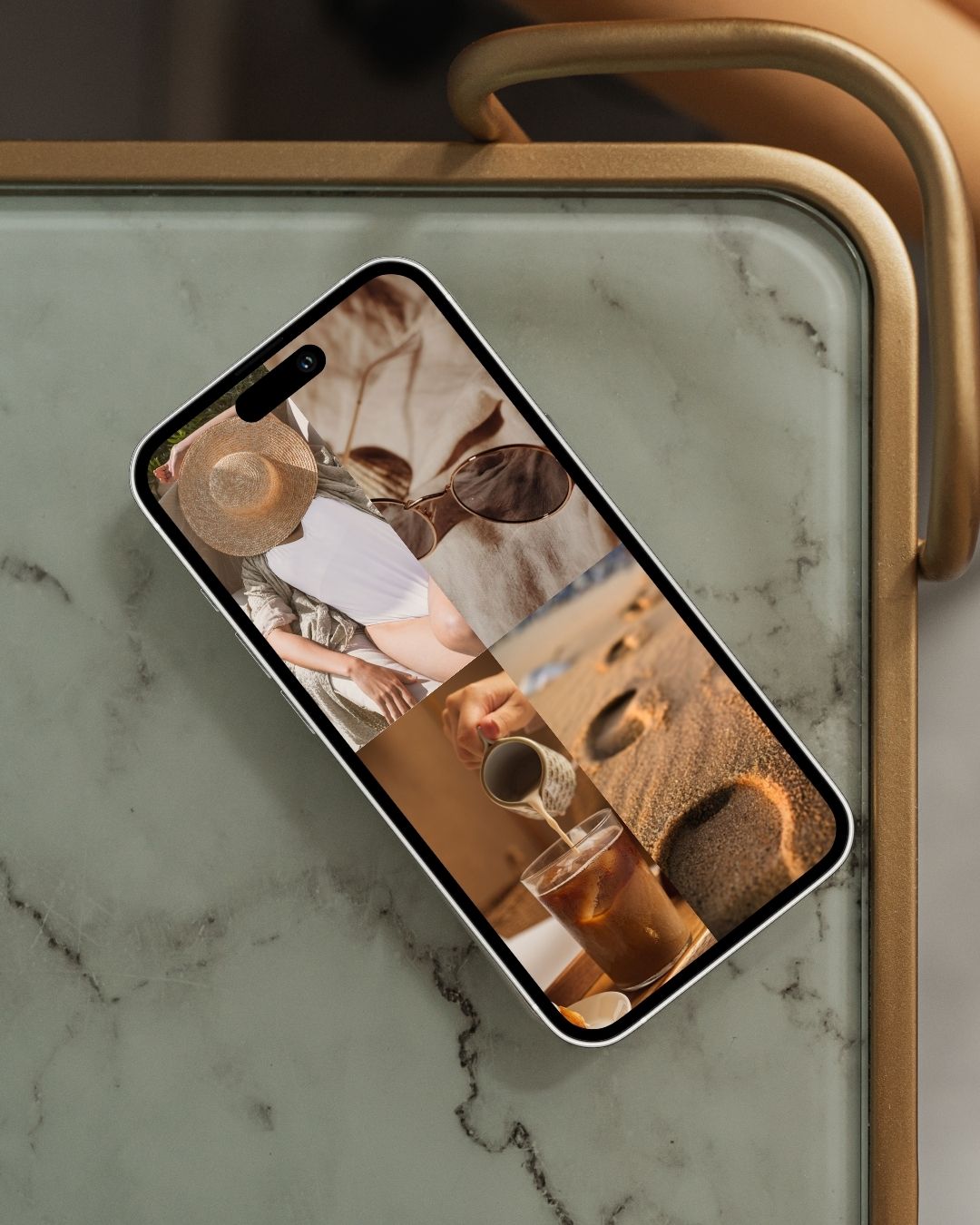
Aethel turns your photos into a beautiful mood board in minutes — no design skills, no complicated tools, no subscription. If you can pick images you love, you can make one.
How the maker works
01
Start with a format
Pick a grid layout or template that fits what you're making — a room, an outfit, a brand, a goal.
02
Add your images
Drop in photos from your camera roll, connect your Pinterest account to bring in your saved pins, or search Unsplash — all inside the app. Then press and hold any image and drag it: drop it on another image to swap the two, or on an empty cell to move it there.
03
Export and keep it close
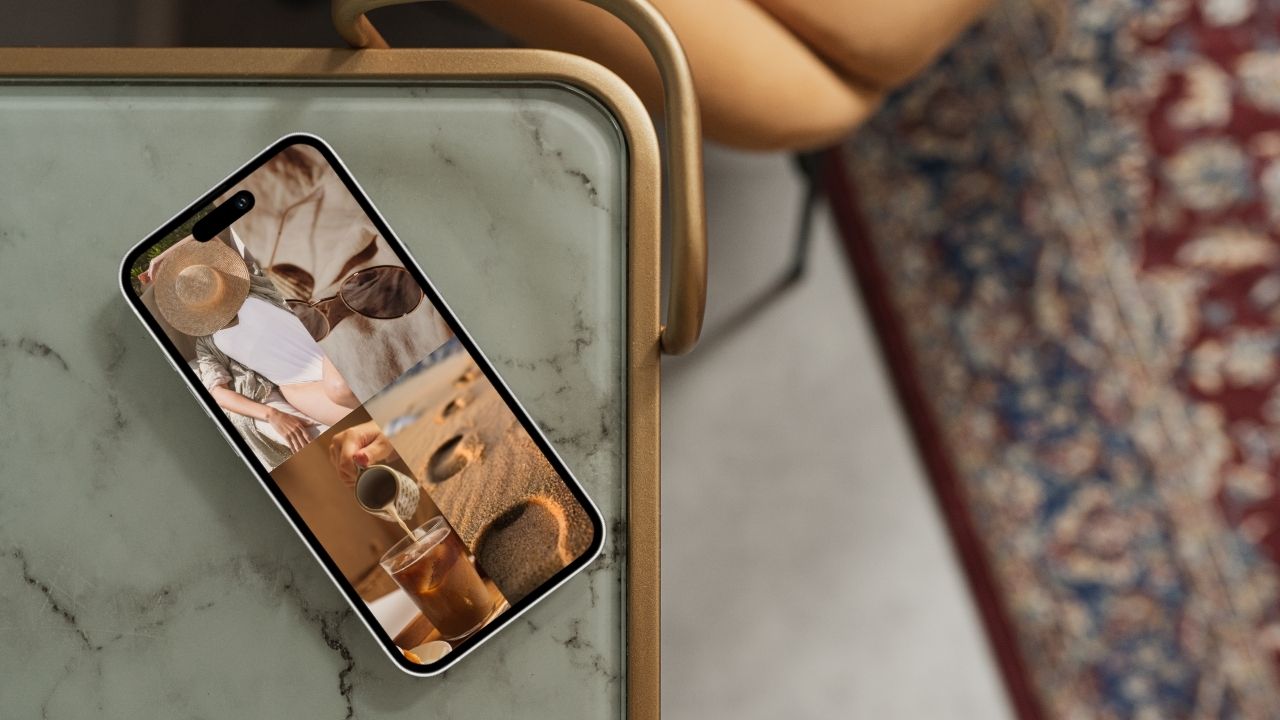
Save your board, share it, or set it as a widget or wallpaper so your vision stays in front of you.
Perfect for
Redecorating a room
Pull together colours, textures, and furniture before you order a single thing.
Planning an outfit or wardrobe
Map your look for the season so getting dressed feels effortless every morning.
Briefing a designer
Build a visual language for your brand or project before writing a single word.
Setting a wedding aesthetic
Keep florals, table settings, and every detail in one beautiful, shareable board.
Manifesting a goal
Put what you're building somewhere you'll see it daily. Visual intention is where it starts.
Capturing a trip's vibe
Curate the aesthetic of your travels — outfits, hotels, and golden-hour spots.
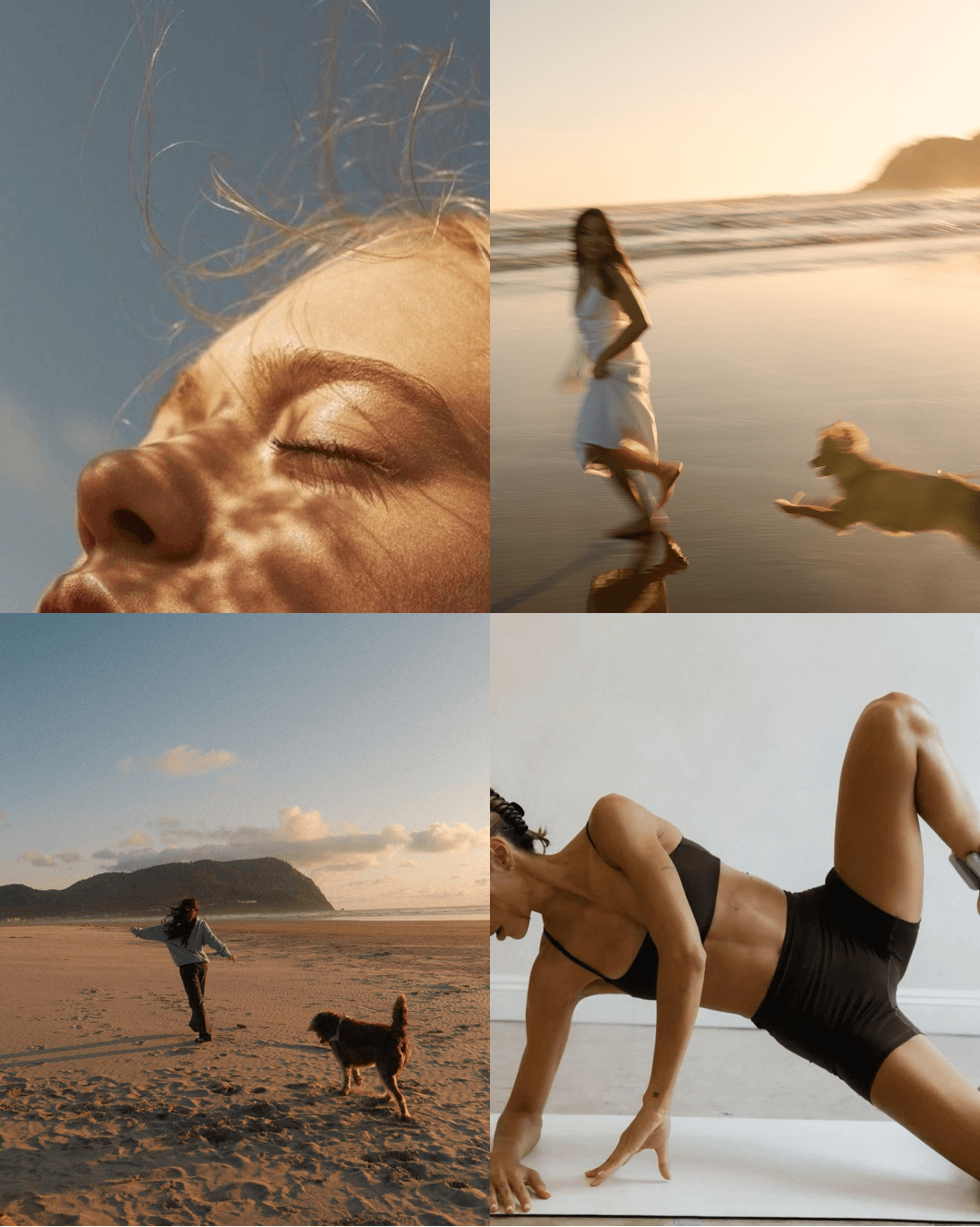
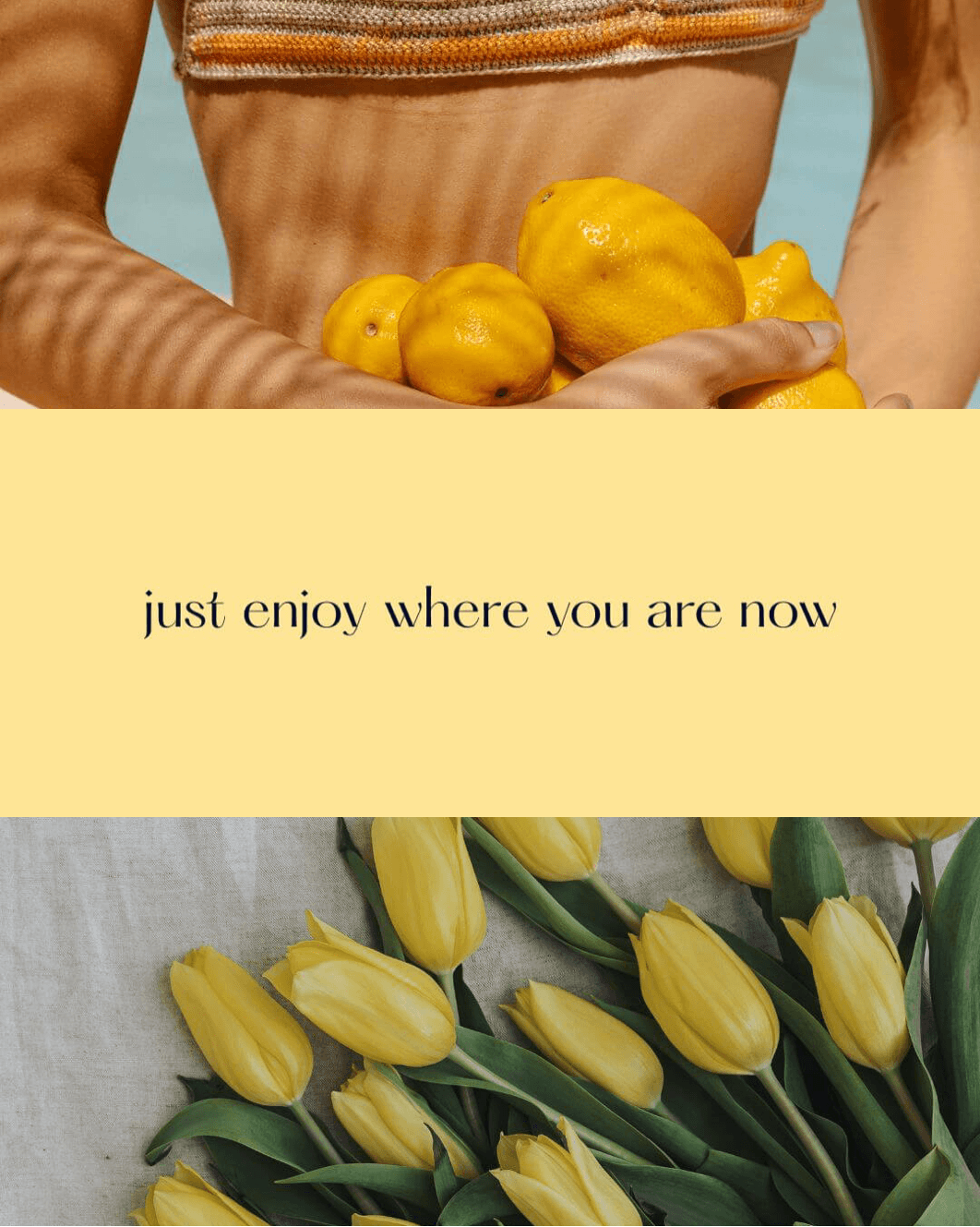
Made with Aethel
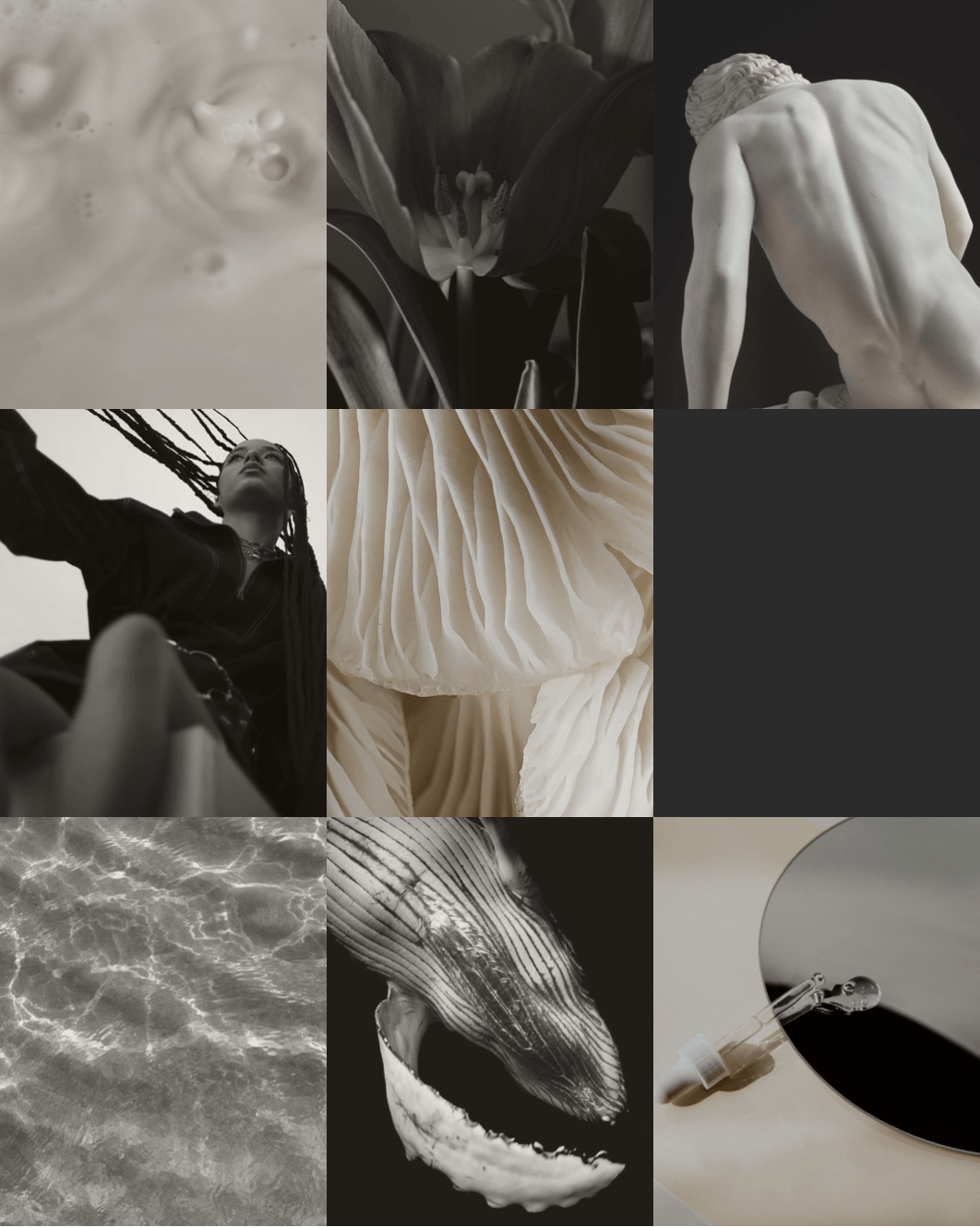
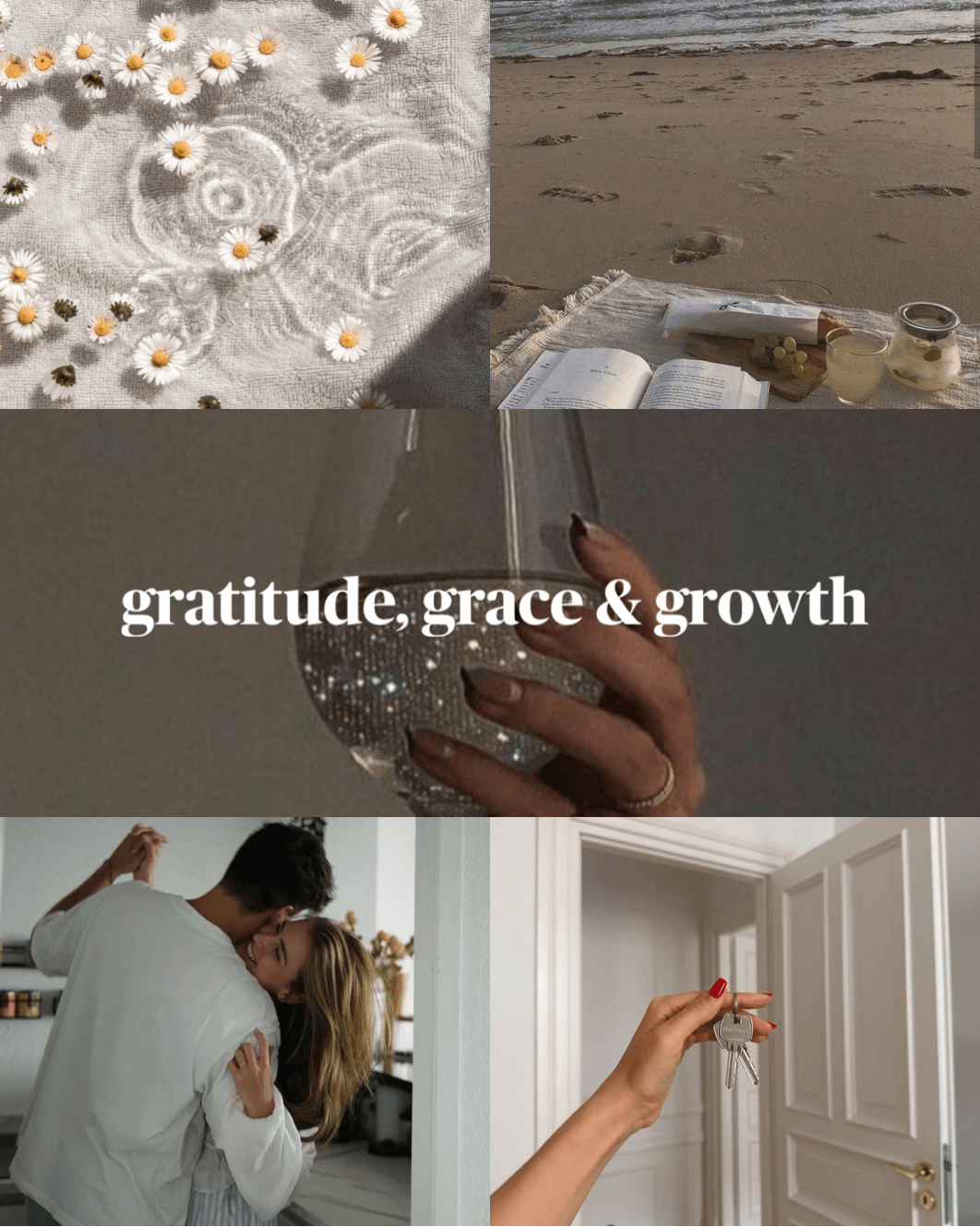
Features
Smart Grid Layouts
Wallpaper, story, and portrait formats do the composition for you. Every board looks intentional — even when it's effortless.
Works With Pinterest
Connect your Pinterest account and pull your saved pins straight into your board — plus your camera roll and Unsplash, all without leaving the app.
Export in a Tap
Save your finished board as a high-quality image, share it anywhere, or turn it into an iPhone widget or wallpaper.
Works with Pinterest
Turn the pins you already love into a board
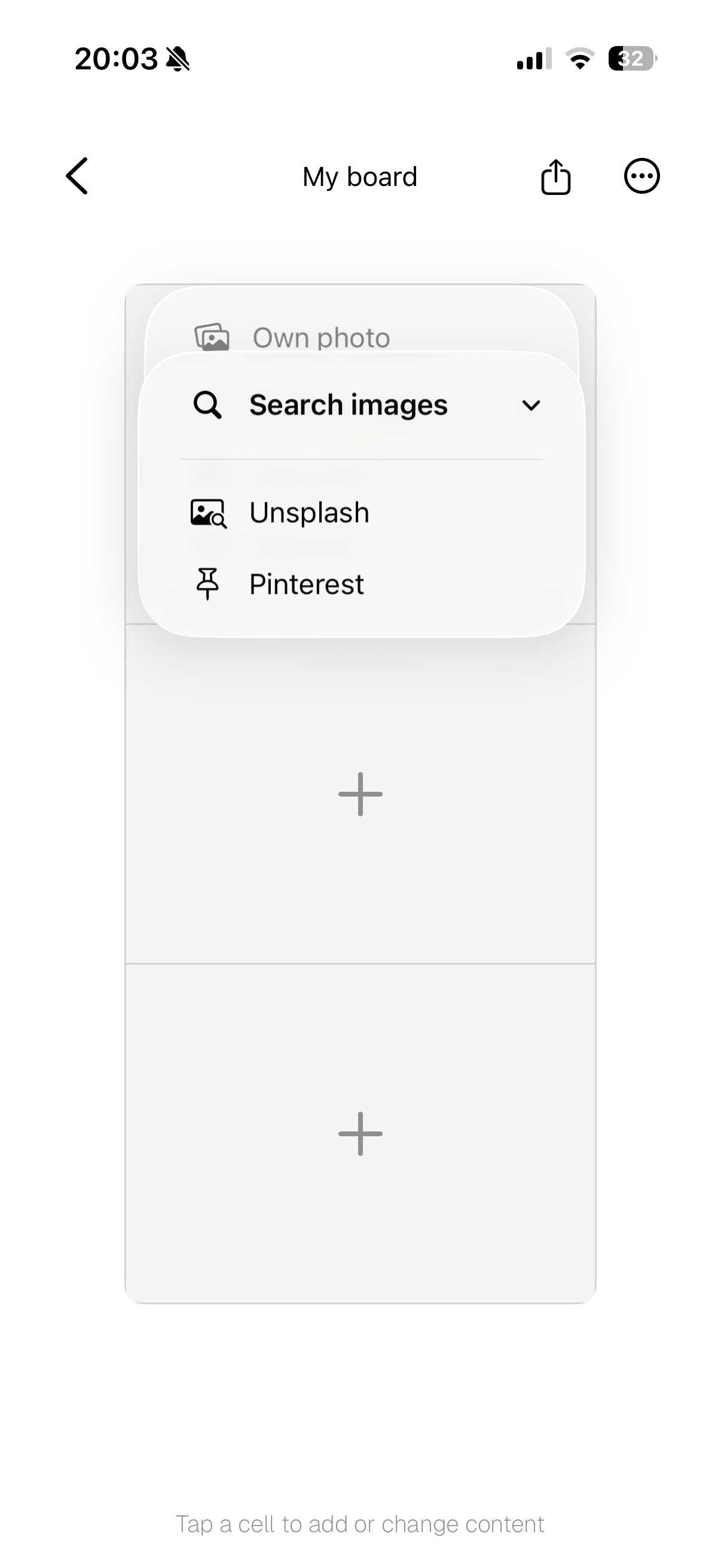
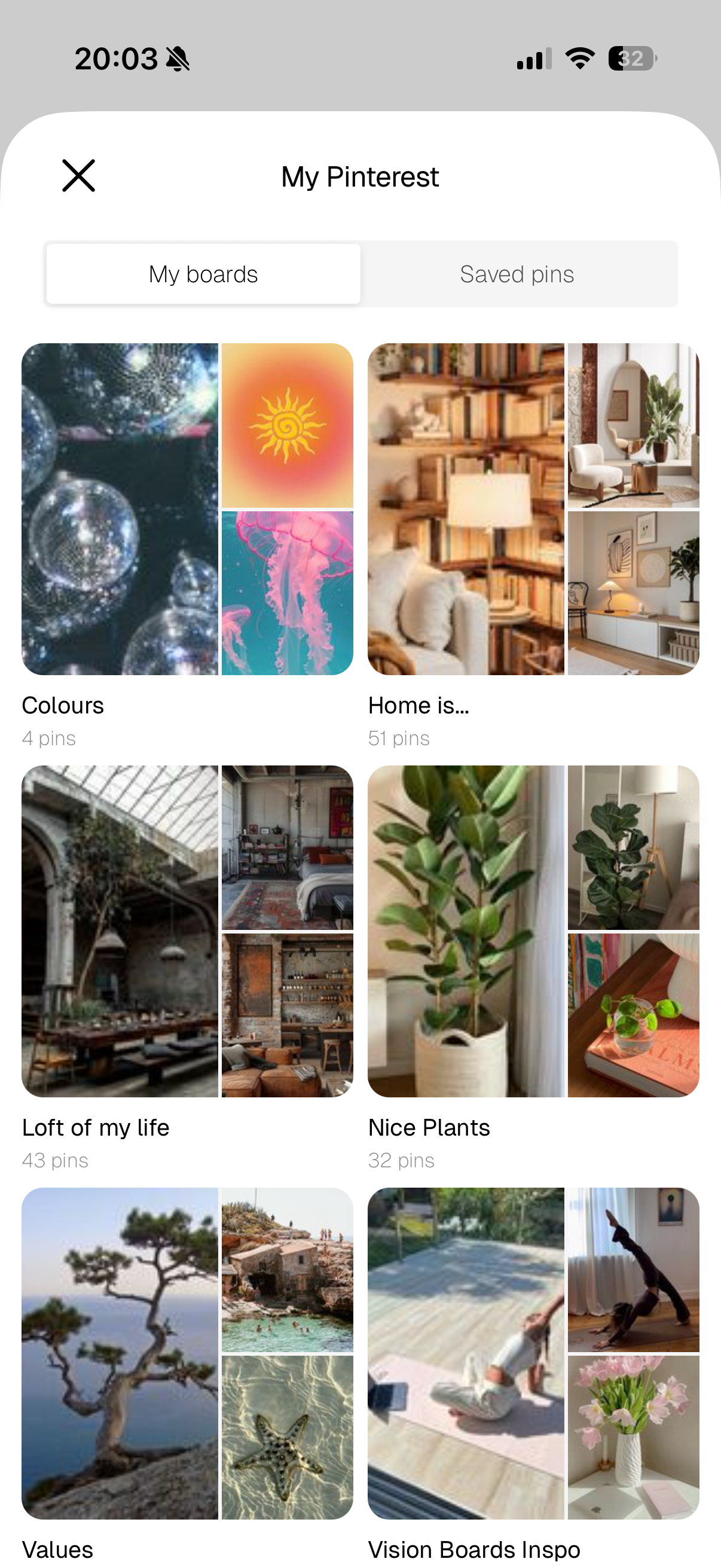
Aethel is an official, Pinterest-approved integration. Tap a cell, choose Pinterest, and authorise your account once — then browse your own boards and saved pins and drop any of them straight onto your Aethel board.
- Add from Own photo, Unsplash, or Pinterest
- Browse your My boards and Saved pins
- No copy-paste, no downloads — your pins go straight in
Pick your images.
Aethel makes the board.
In minutes.
No complicated design tools, no learning curve — just your photos. Join thousands of women who use Aethel to make mood boards they actually look at.
Frequently asked questions
Is there a free mood board maker?
Yes. Aethel is a free mood board maker — download it and start creating boards right away, no subscription required. Premium features like unlimited boards, every template, and premium fonts are an optional one-time purchase.
What is the best mood board creator?
The best mood board creator is the one you'll actually keep using. Aethel is built for iPhone, so your boards live in your pocket — you can add photos from your camera roll, your own saved Pinterest pins, and Unsplash, arrange them on a smart grid, and export in a tap. No design experience needed.
Can I make a mood board online for free?
You can, but a mobile app is faster for most people. Instead of a browser-based online tool, Aethel lets you build a mood board directly on your iPhone — with your photos already in reach and your finished board saved straight to your camera roll.
Do I need design skills to use a mood board maker?
No. Aethel does the layout work for you with ready-made grid formats and templates. You choose the images and colours; the app makes them look intentional. Most people make their first board in about ten minutes.
Is Aethel a mood board generator?
Aethel gives you templates and smart grid layouts that generate a polished board around the images you pick, so you're never staring at a blank canvas. You stay in control of every choice while the app handles the composition.
Does Aethel connect to Pinterest?
Yes. Aethel is an official, Pinterest-approved integration. Tap a cell, choose Pinterest, and authorise your account once — then browse your own Pinterest boards and saved pins and drop any of them straight onto your Aethel board. It's the easiest way to turn the pins you're already collecting into a finished mood board.
Can I export and share the mood boards I create?
Yes. Export any board as a high-quality image to share on Instagram, send to a designer, or set as an iPhone wallpaper — sized perfectly for your lock screen or home screen, no cropping needed.
Are my mood boards backed up?
Yes. Aethel keeps your mood boards and their images in your own private iCloud. They sync between your iPhones and come back when you reinstall the app or move to a new iPhone. There's no Aethel account to create — it uses the iCloud you're already signed in to. Without iCloud everything still works, and your boards stay on your iPhone.
Explore more from Aethel