
Mood boards
What Is a Mood Board?

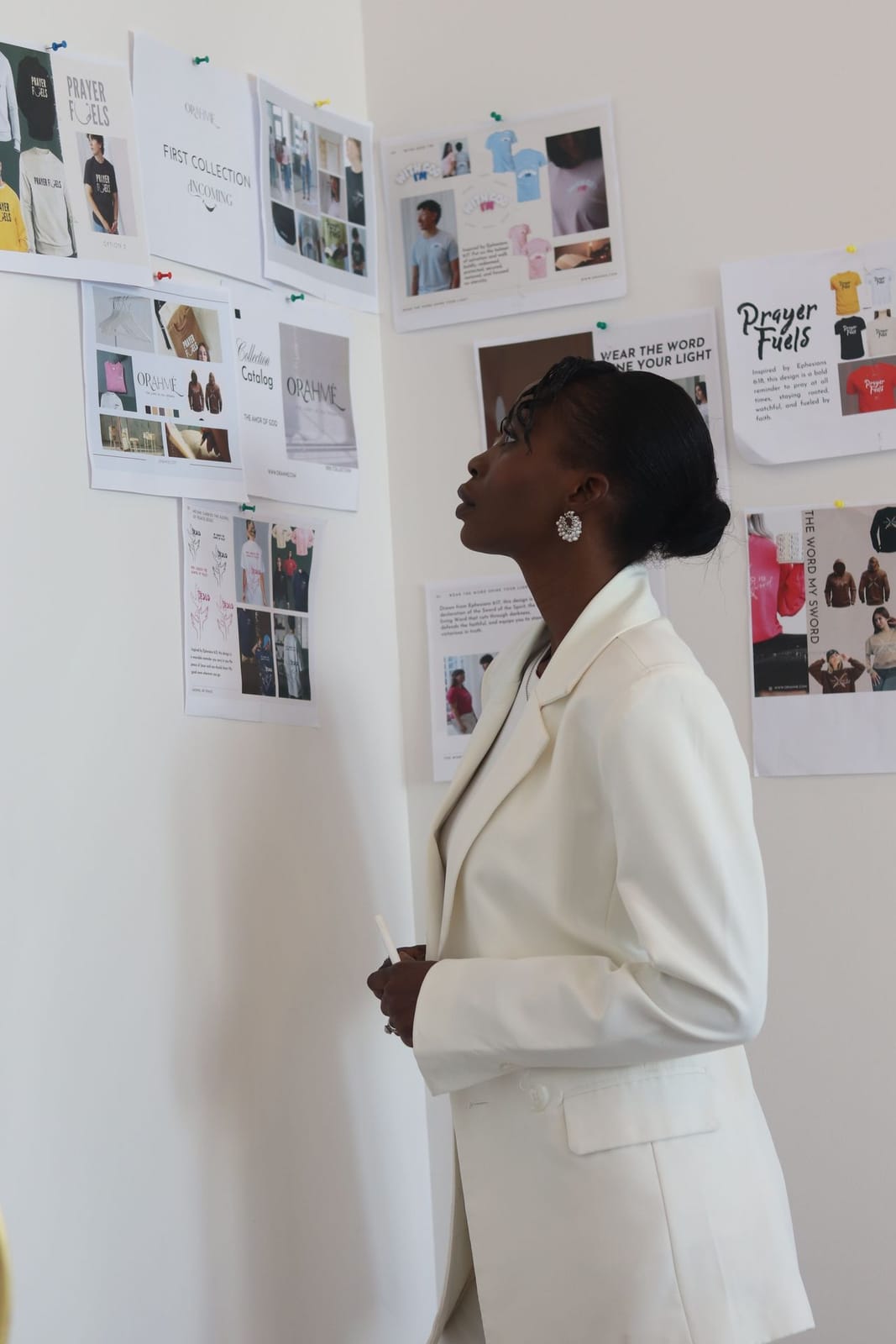
You've heard the phrase everywhere — from interior designers, stylists, brides, and brands. But what is a mood board, really, and why does everyone swear by one? Put simply, it's the fastest way to turn a vague feeling — a vibe, a season, a dream — into something you can actually see and act on. This guide breaks down exactly what a mood board is, what goes on one, the difference between a mood board and a vision board, and how to make your own in minutes — no design skills, just your photos.
What is a mood board?
A mood board is a curated collage of images, colours, textures, and words that captures a single aesthetic, feeling, or idea at a glance. Instead of describing a look in words — “cosy but modern,” “old-money autumn,” “coastal calm” — you show it, by gathering references into one frame you can react to. Designers, stylists, and brands have used mood boards for decades to lock in a direction before committing time or money to it. A mood board can be physical (magazine cut-outs pinned to cork) or digital (images arranged in an app) — and a digital mood board wins on nearly every count: it lives in your pocket, updates any time, and can go straight onto your home screen. It's closely related to a vision board, but the intent differs — a mood board captures an aesthetic or vibe, while a vision board captures goals and intentions. Many people make both.
Why make a mood board?
A mood board isn't just pretty — it does real work. Here's what you get out of making one.
You see the idea before you commit
A mood board turns a vague feeling into something concrete, so you can tell whether an aesthetic actually works before you spend money, time, or energy on it.
Better decisions, less second-guessing
When every colour, texture, and reference lives in one place, choices about your home, wardrobe, or brand suddenly get obvious.
A shared visual language
Instead of describing “cosy but modern,” you show it. A mood board is the fastest way to brief a designer, photographer, or collaborator.
It quiets the overwhelm
Fifty open Pinterest tabs become one calm, curated board you can actually act on. Clarity, not chaos.
Motivation you can see
Kept on your home screen or lock screen, a mood board becomes a daily nudge toward the look or life you're building.
It's yours, and it travels
Unlike a paper board, a digital mood board lives in your pocket — update it any time, anywhere the inspiration strikes.
Mood board vs. vision board
The two terms get used almost interchangeably — and honestly, the line is blurry. Both are collages of images that capture something you want, and people make them with the exact same tools, so online the words have basically merged. But there is a real difference in intent, and knowing it helps you make a better board.
A mood board captures a look
It's about aesthetics — a style, a feeling, a vibe. The question it answers is “how should this look and feel?” Think interiors, outfits, a brand, a wedding.
A vision board captures a goal
It's about intention — the life, milestones, or outcomes you're working toward. The question it answers is “what do I want?” Think career, travel, health, a fresh start.
Different time horizons
A mood board is usually tied to a specific project or season and gets refreshed once it's served its purpose. A vision board tends to span a whole year or life chapter — you revisit it again and again to stay on track.
Same formats, shared uses
Both come in the same formats — a digital board in an app, or an analogue one pinned to cork or card — and both show up in the same places: coaching and therapy sessions, workshops, design studios, and New Year rituals.
Why they're used synonymously
Both are image collages, both are made the same way, and both are meant to be looked at often. The overlap is so big that most people (and most apps) treat the words as one — the difference is intent, not method.
Which one are you making?
If it's mostly about how something looks, it's a mood board. If it's mostly about what you want to achieve, it's a vision board. Plenty of boards are honestly both — and that's completely fine.
What goes on a mood board
There are no rules, but almost every great mood board mixes a few of these ingredients. The magic is in the combination — how the pieces sit together is what creates the “mood.”
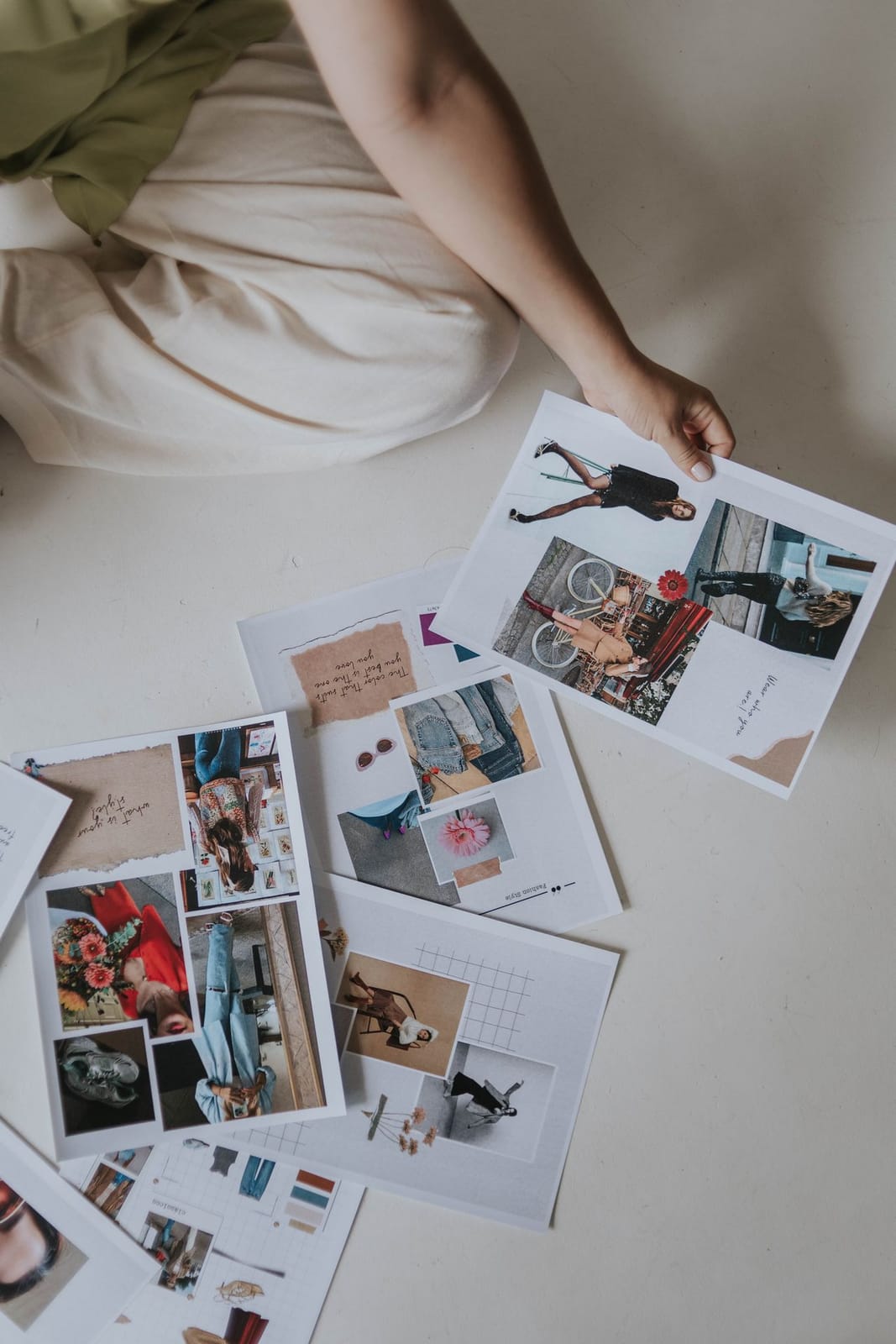
Images
The backbone of any board — photos, screenshots, and references that carry the feeling you're chasing. Interiors, outfits, places, moments.
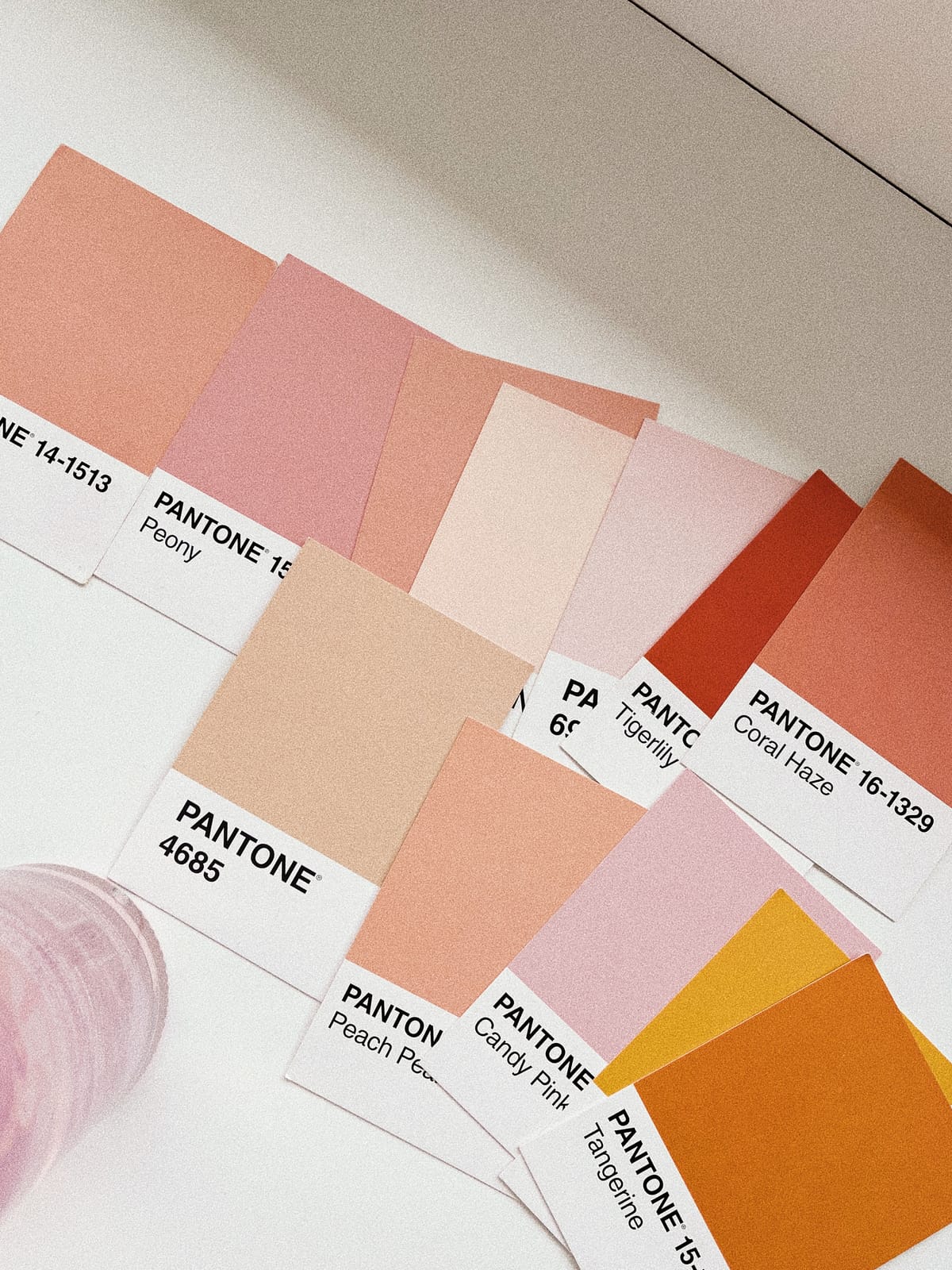
Colour
A palette ties everything together. A few swatches or a single dominant colour can define the whole mood before a single image goes on.
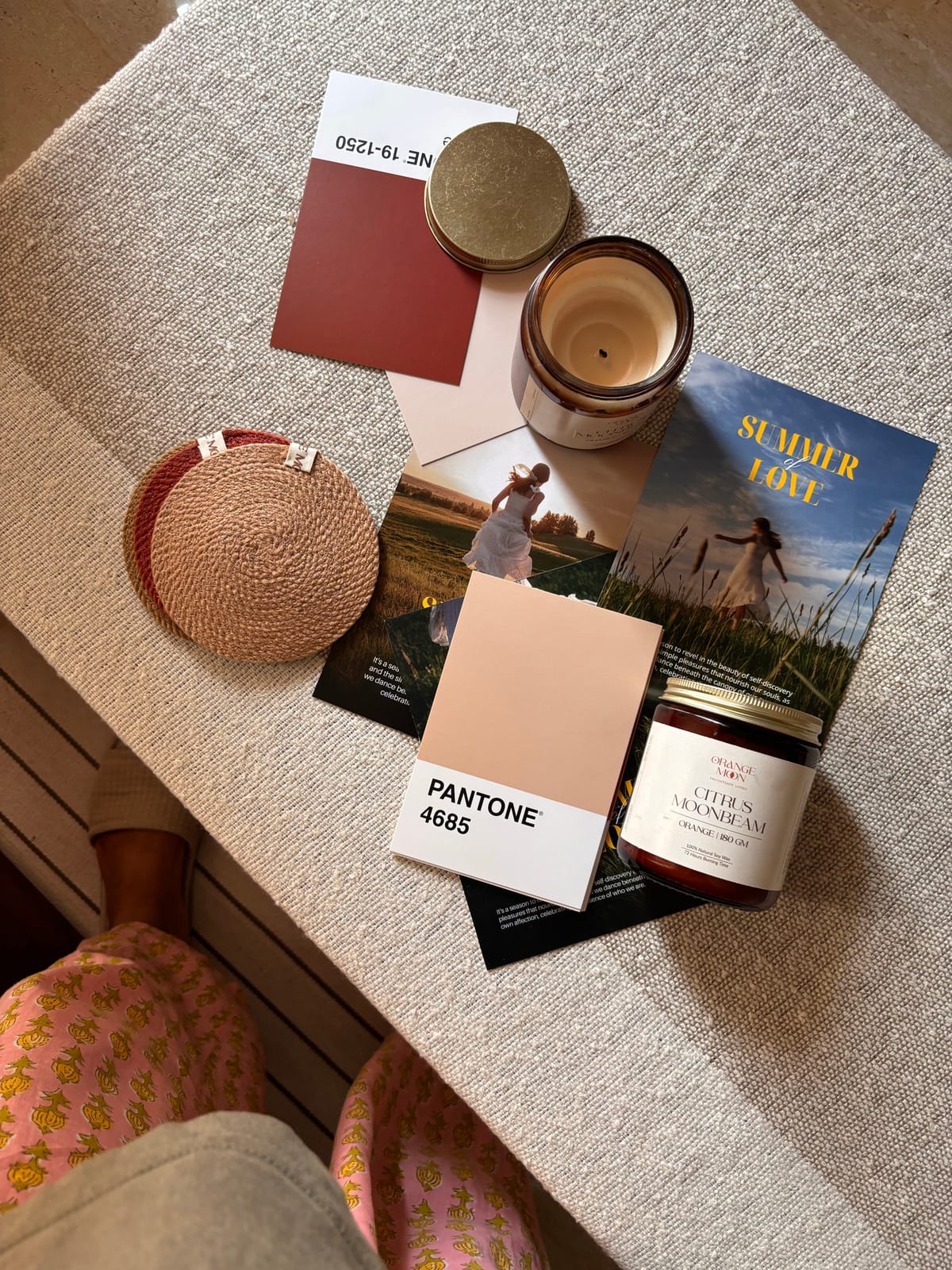
Texture & objects
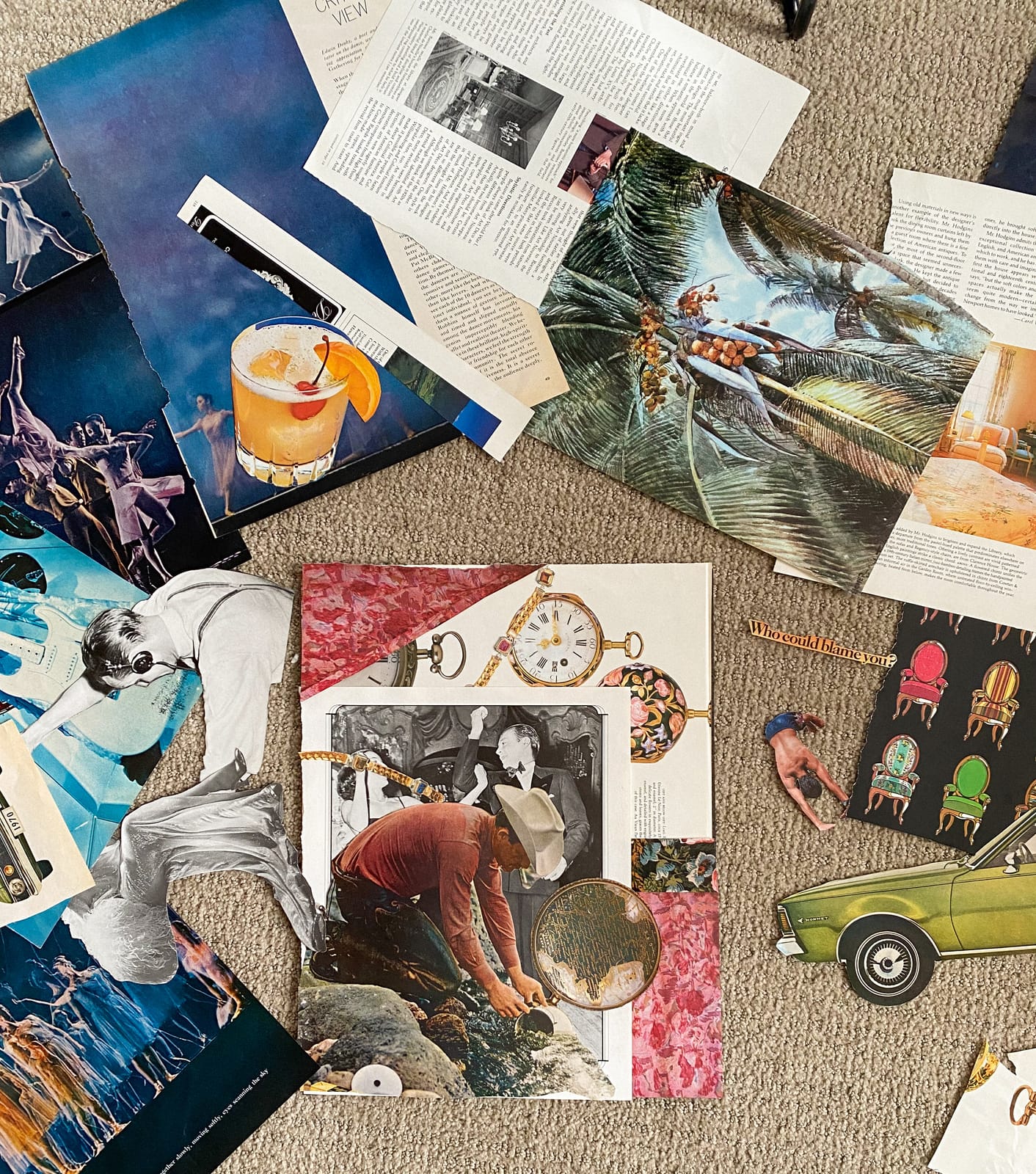
Materials, fabrics, and objects add depth a flat photo can't — linen, brass, ceramics, a candle, a scrap of paper.
Words & type
A quote, a keyword, or a typographic cut-out gives the board a voice — and reminds you what it's actually about.
Stickers & glitter
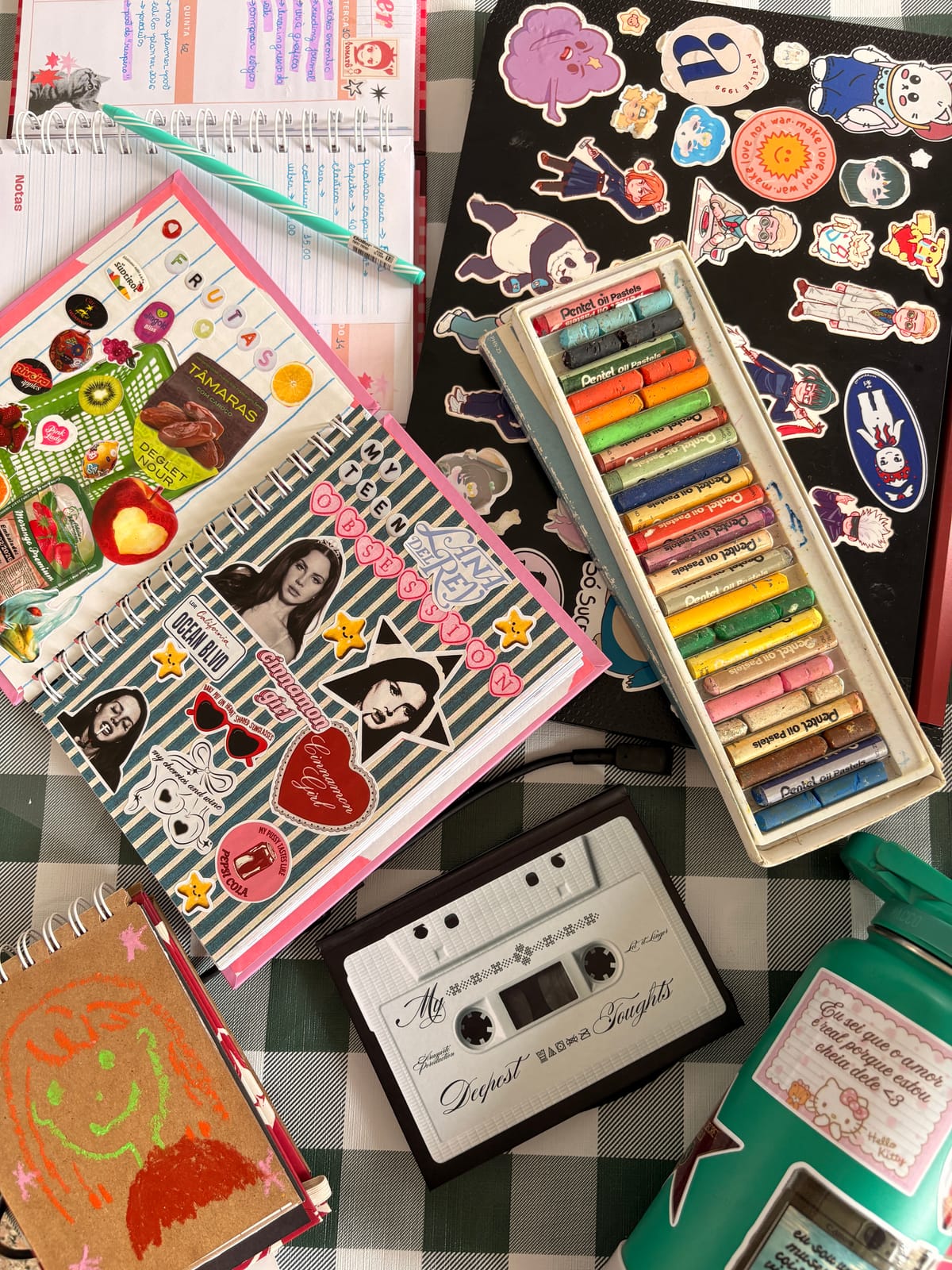
The finishing touch. Stickers, sparkle, and little embellishments add personality and play — in Aethel you can drop them straight onto a digital board, no glue required.
Mood boards come in every form
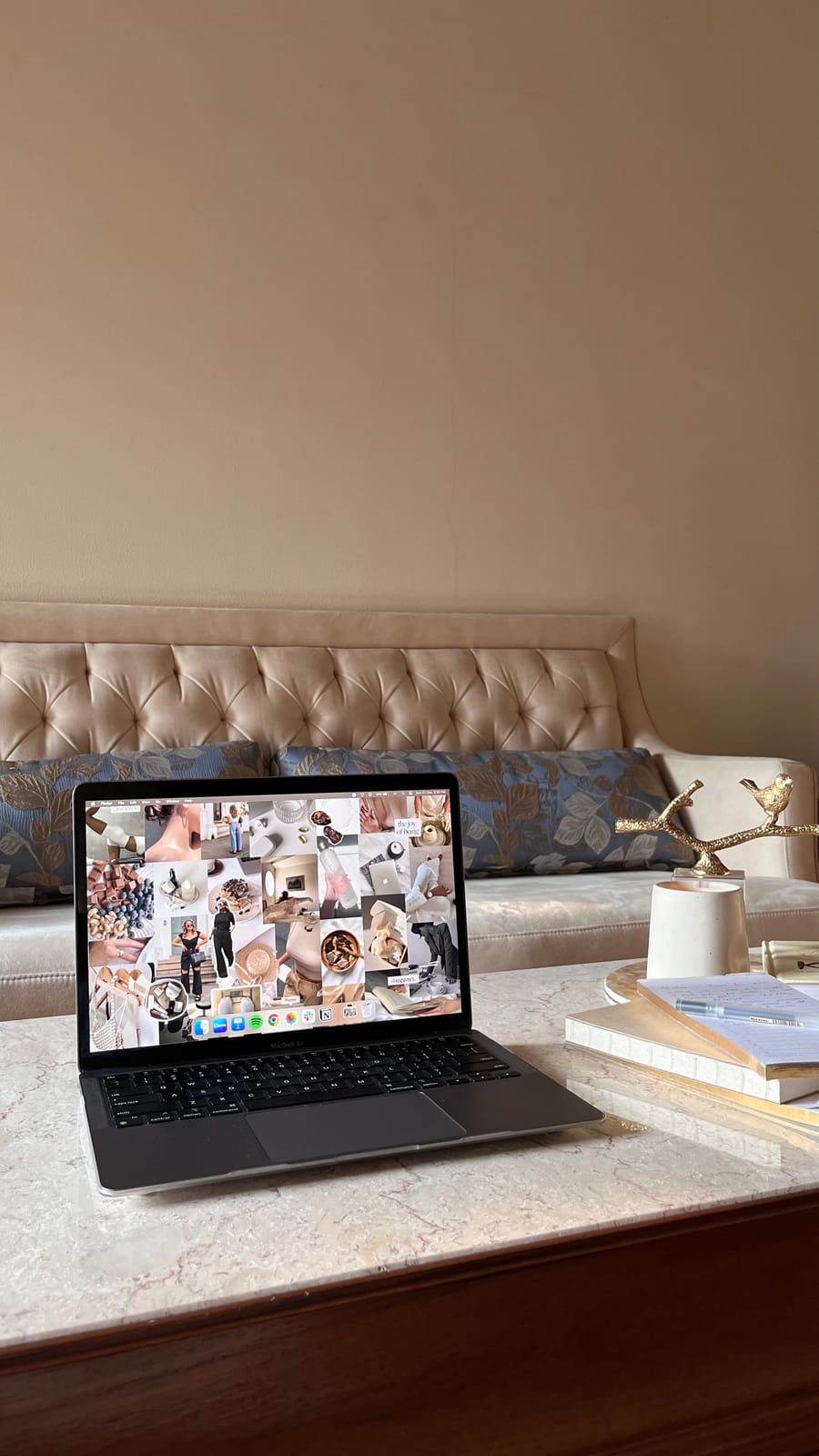
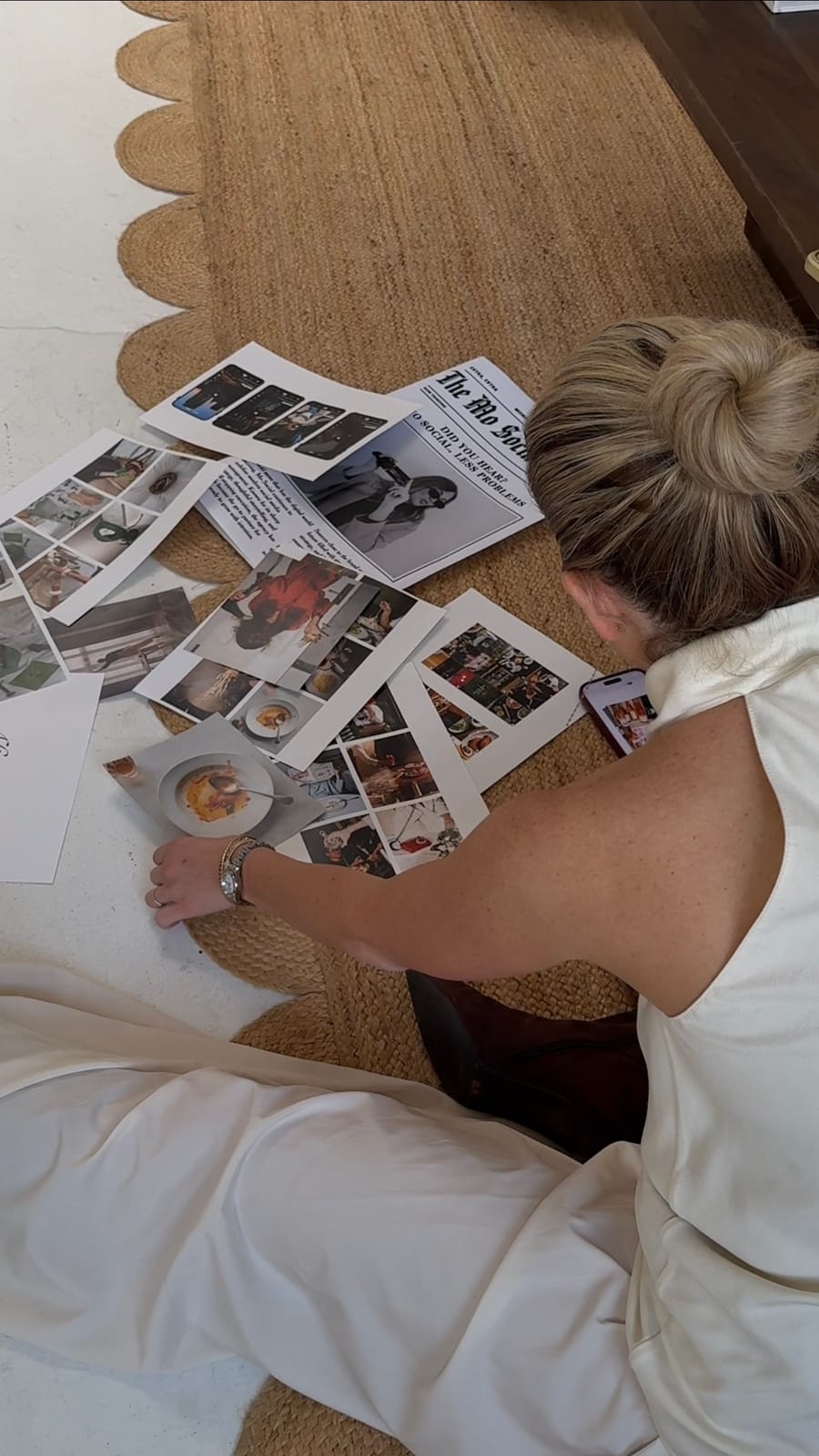
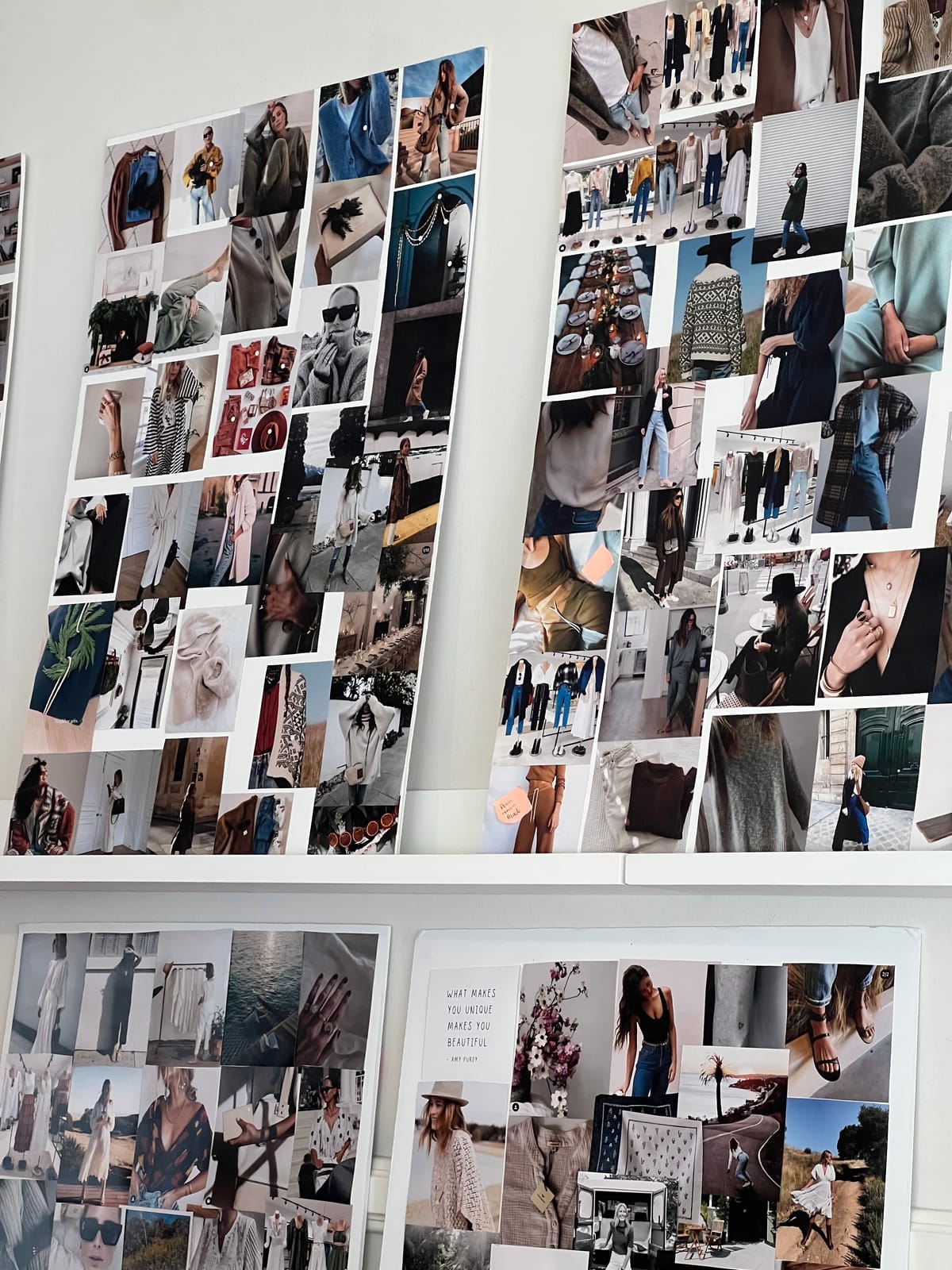
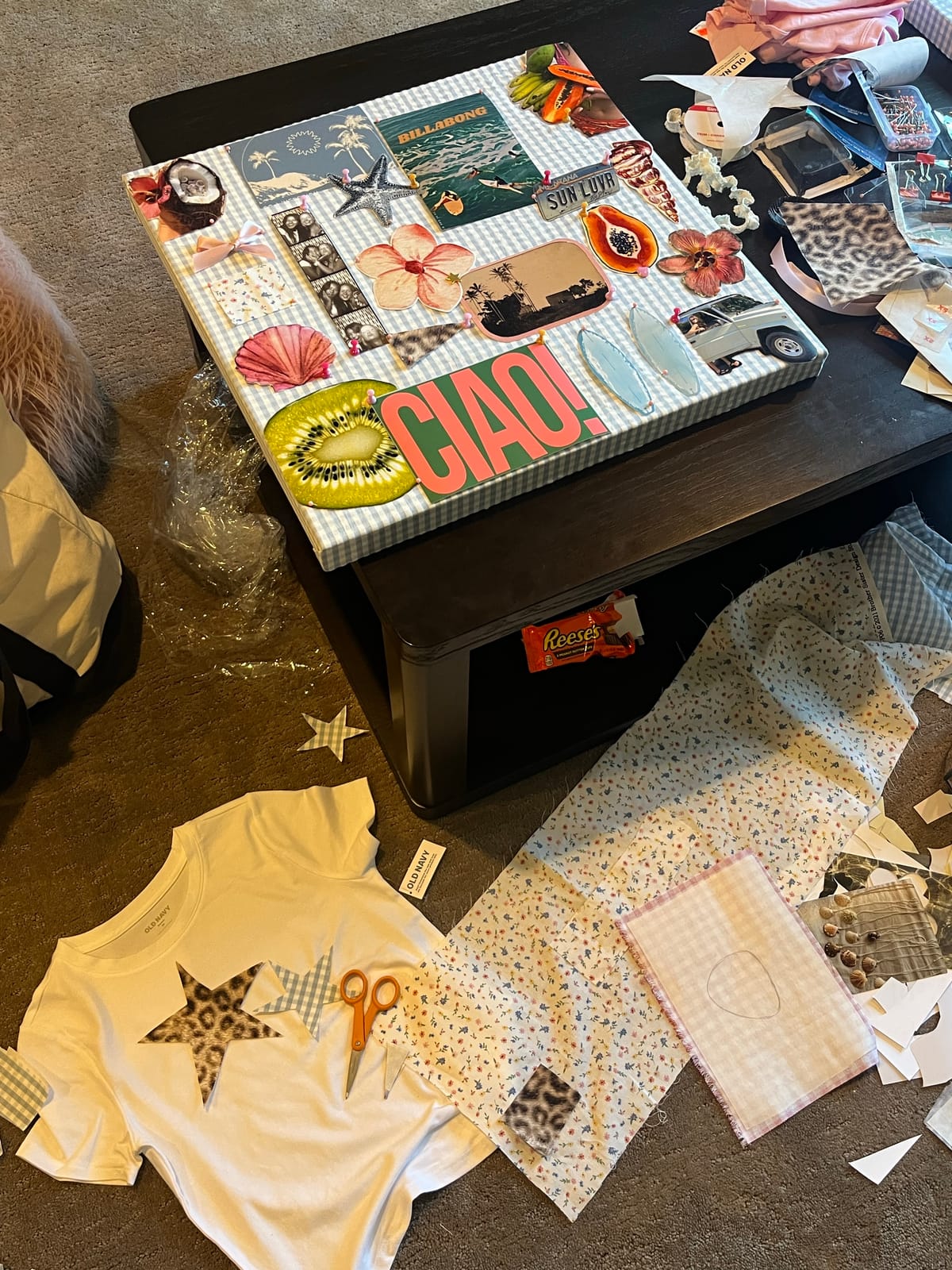
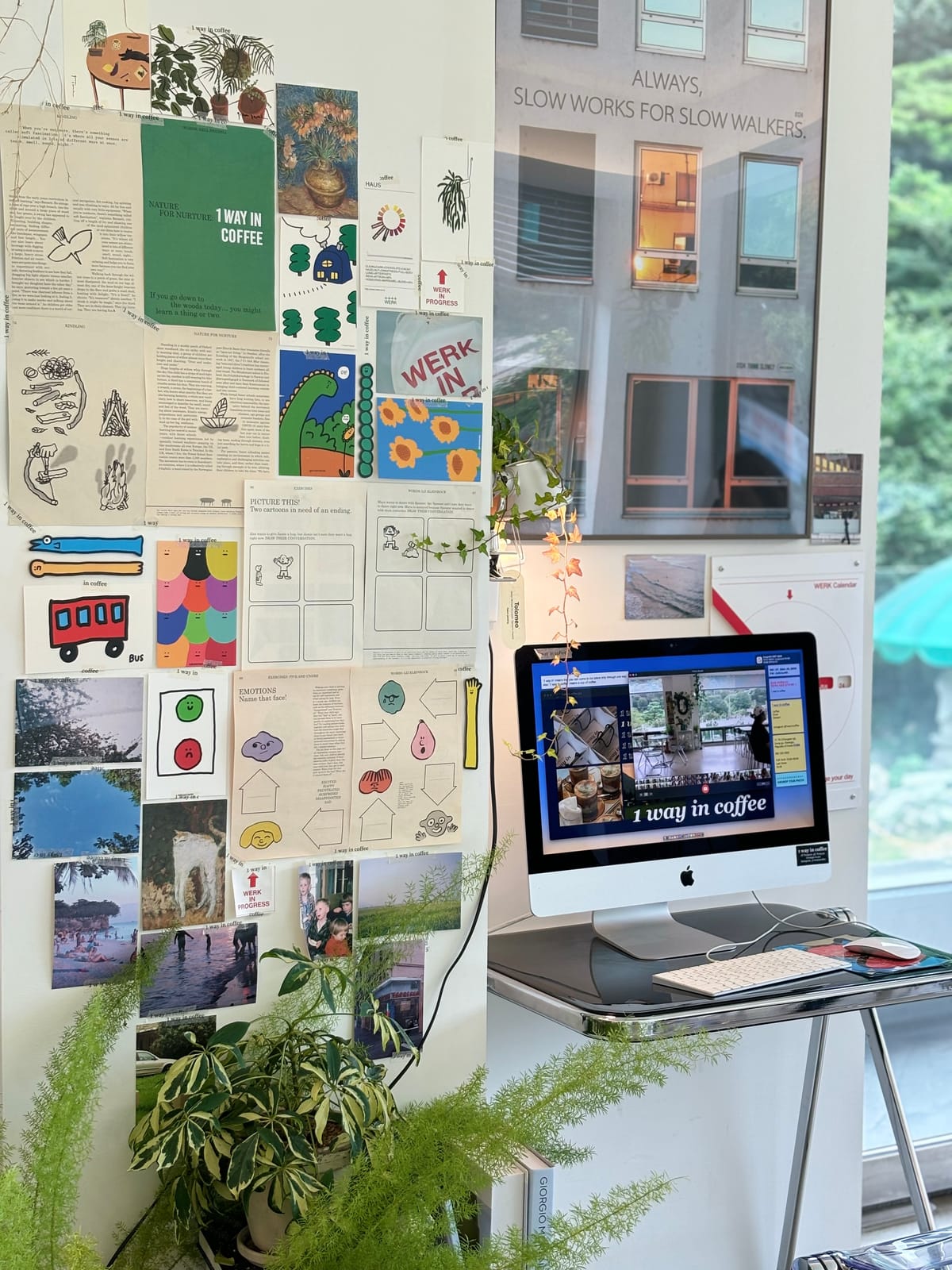
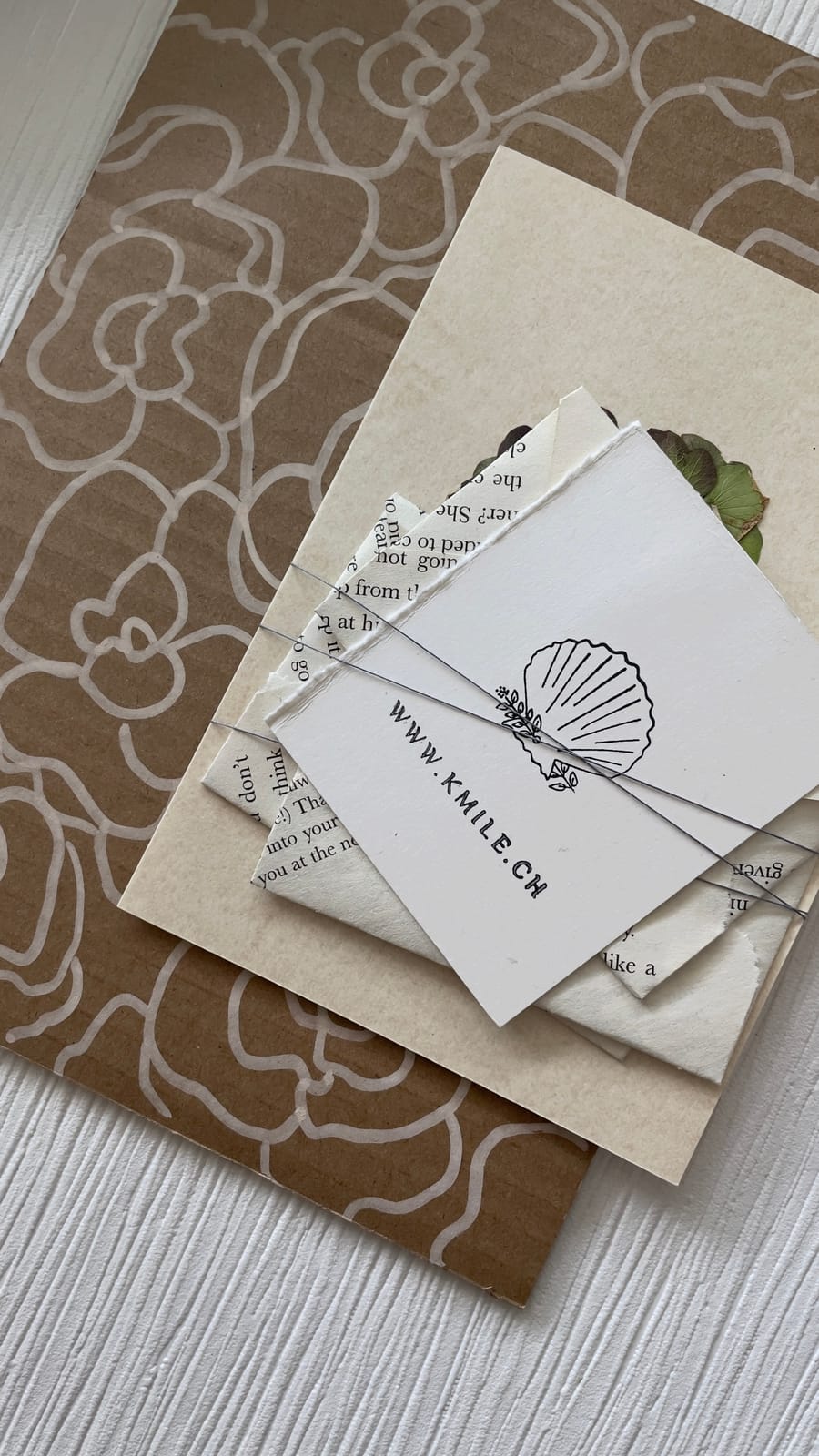
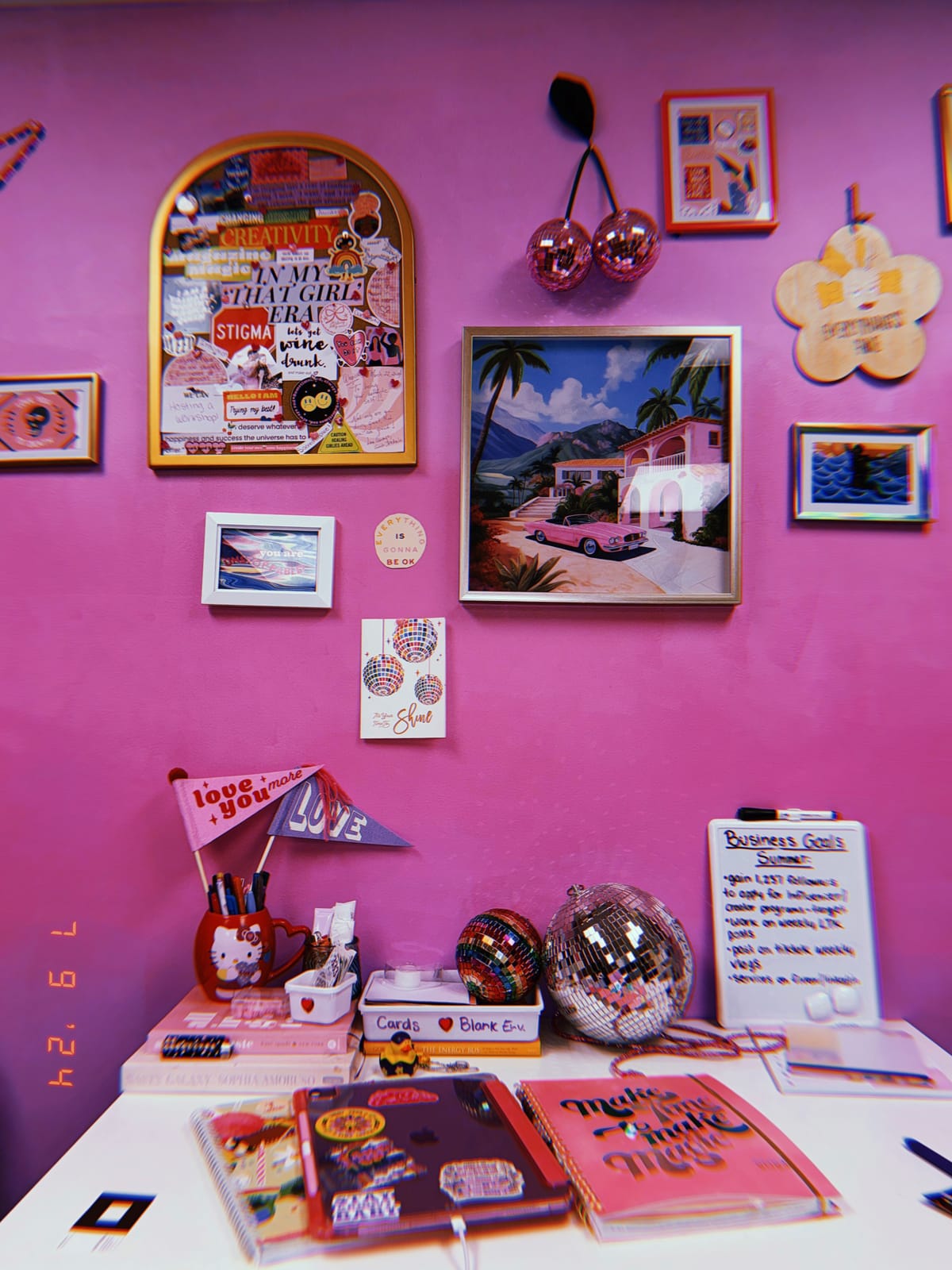
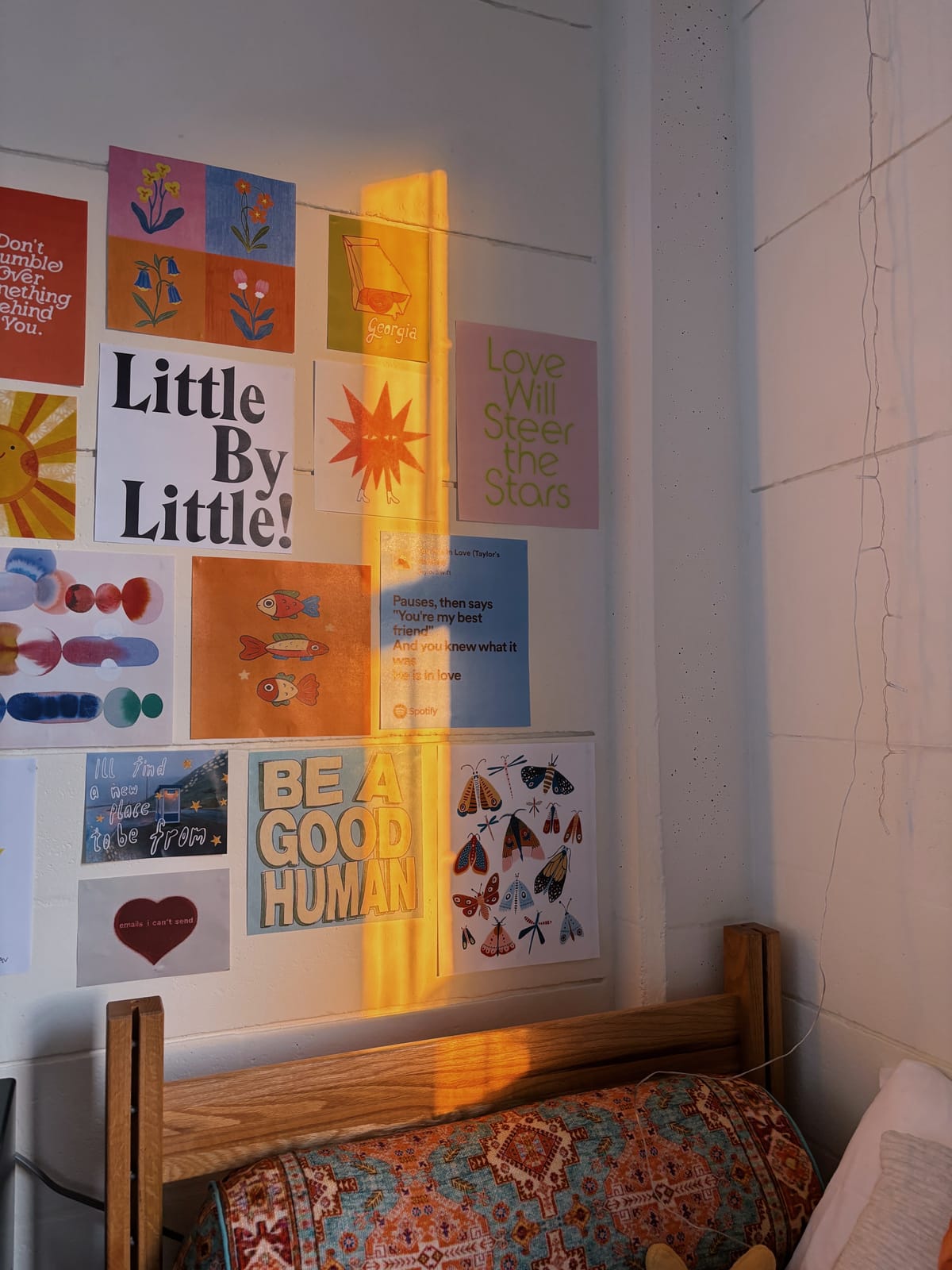
Digital or physical, minimal or maximal, for a room or a whole rebrand — there's no single right way for a mood board to look. A few real examples:
How to make a mood board
- 01
Download Aethel
Aethel is a free mood board maker for iPhone — no design skills, no subscription. Download it and open a new board to start.

- 02
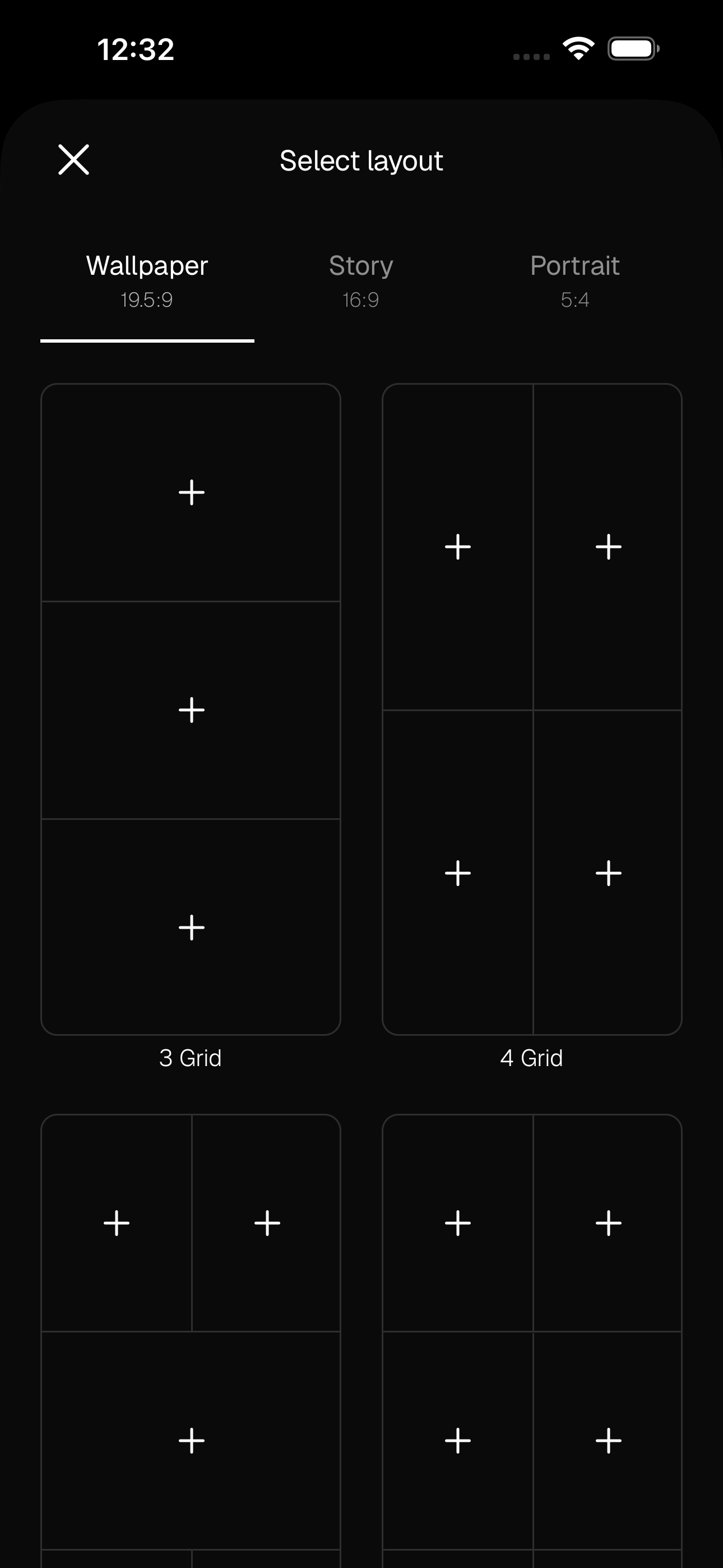
Pick a layout
Choose a grid that fits what you're making — a wallpaper, a story, or a classic portrait board. The layout does the composition for you.
- 03
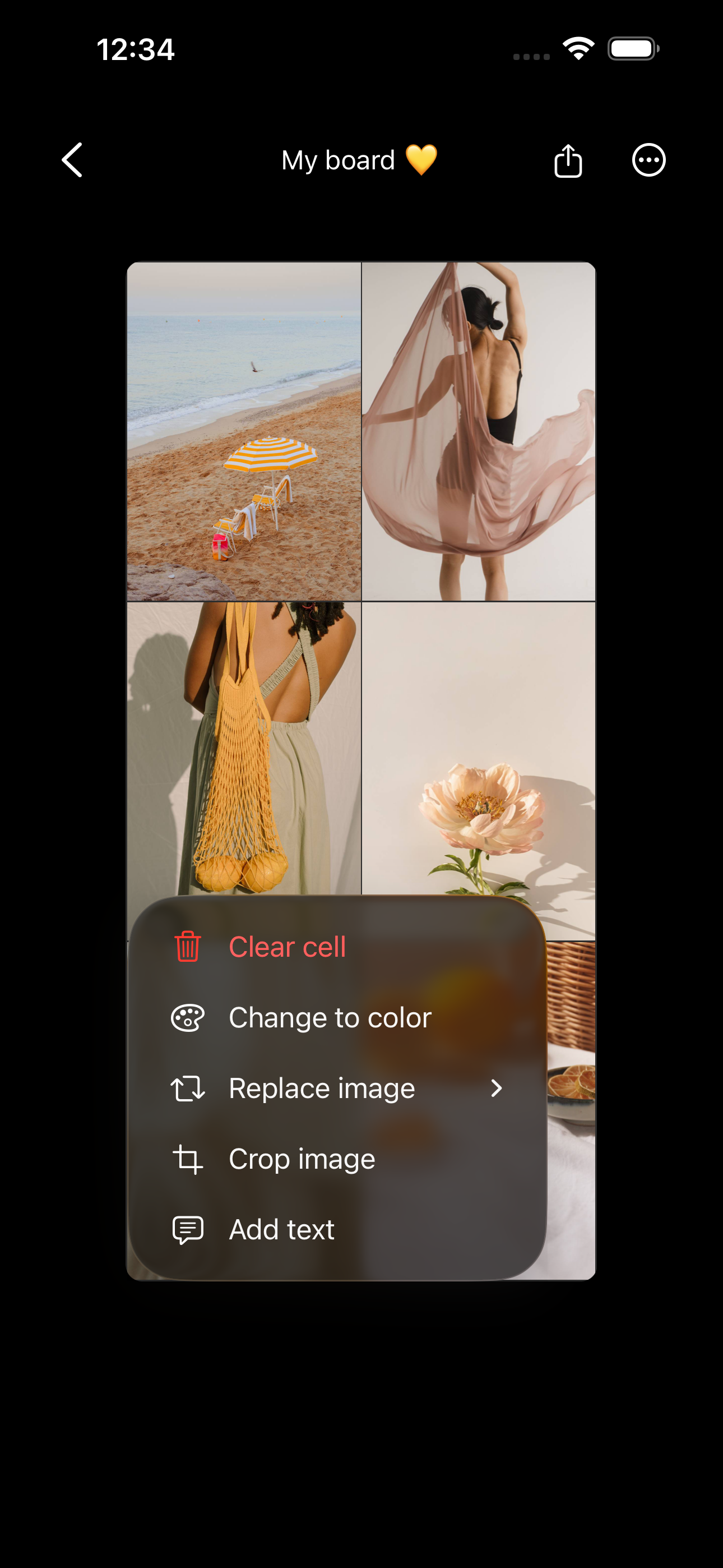
Add your images
Tap a cell and add a photo from your camera roll, bring in your own saved Pinterest pins, or search Unsplash — all without leaving the app.
- 04
Add colour, words, and finishing touches
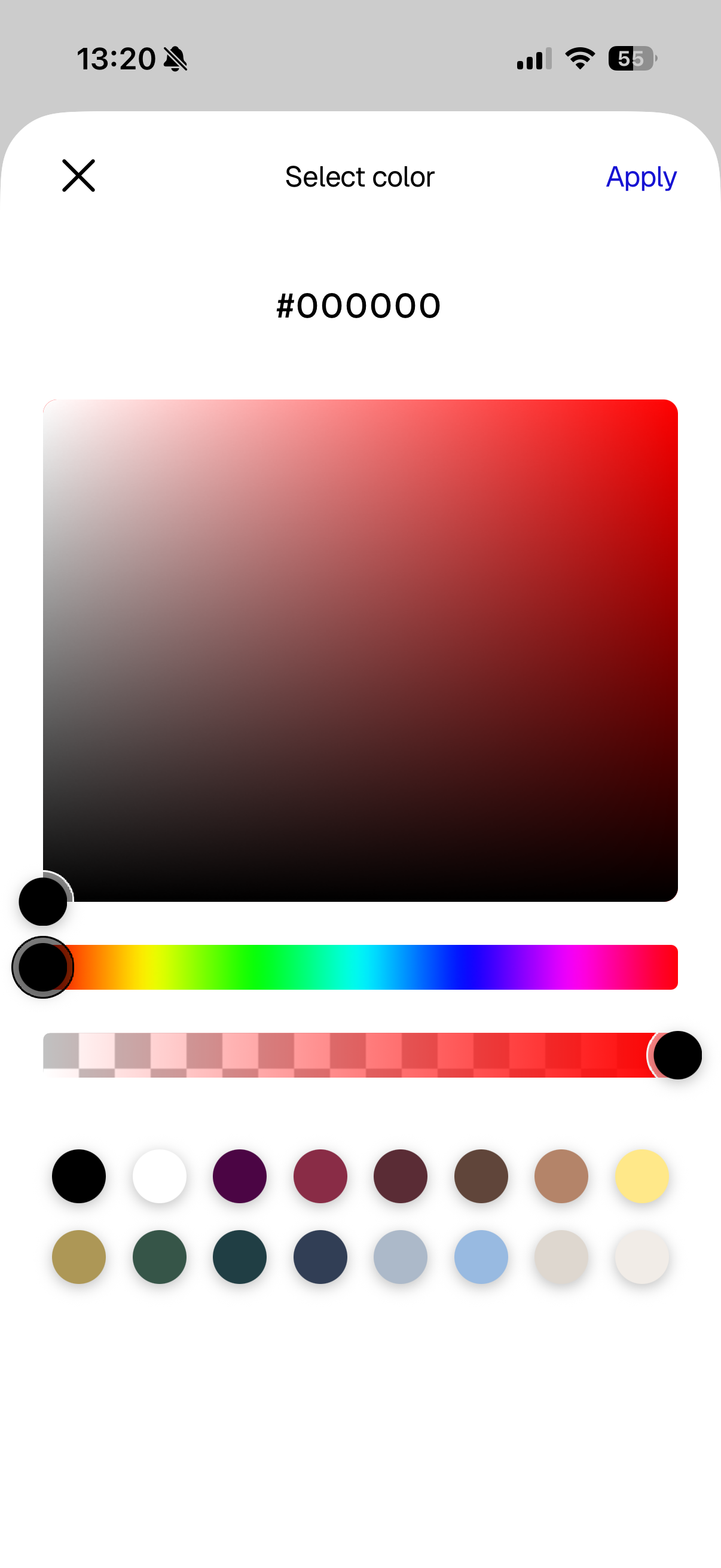
Drop in a solid colour block for a palette, add a word or affirmation in the font of your choice, and finish with stickers or a little glitter. This is what turns a photo grid into a mood that feels like yours.
- 05
Save it where you'll see it
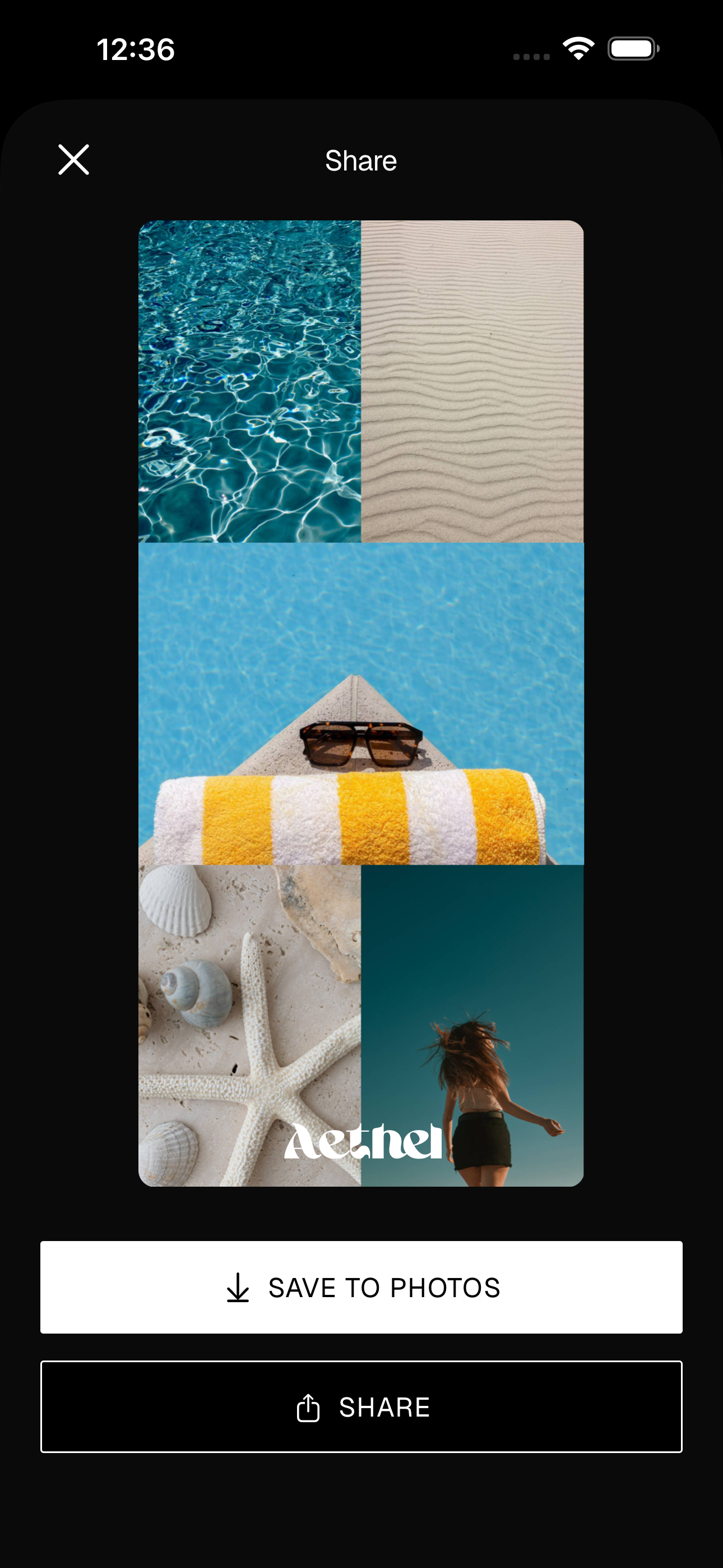
Export your board as an image, set it as your wallpaper, or add it as a home-screen widget so your inspiration stays in front of you.
Ready to make yours?