
Widgets
How to Add a Mood Board Widget on Your iPhone

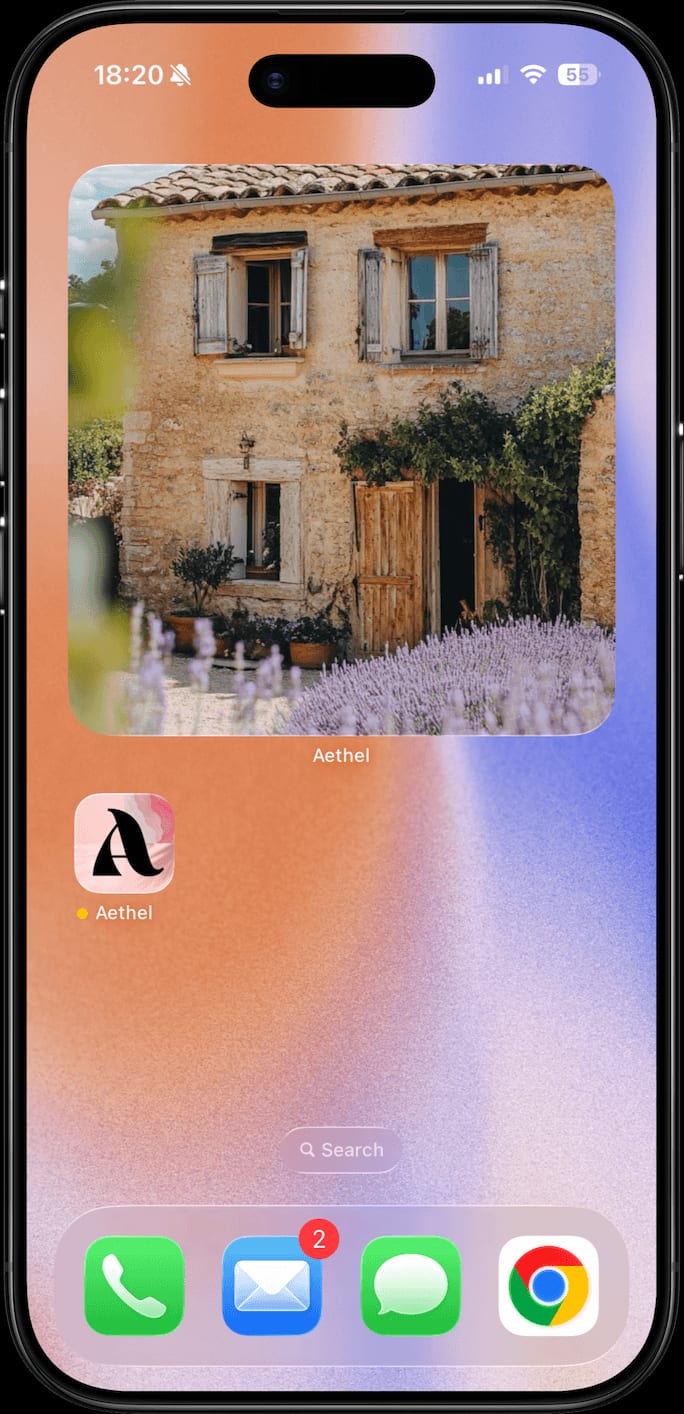
You unlock your phone dozens — sometimes hundreds — of times a day. A mood board widget turns every one of those moments into a tiny hit of inspiration: instead of a random app grid, your home screen shows the board you made, right there where you can't miss it. This guide covers what a mood board widget is, why it's one of the most underrated ways to stay connected to your goals, and exactly how to add one from Aethel — create a board, drop a widget on your home screen, pick your board, done.
What is a mood board widget?
A mood board widget is a home screen widget that displays images, colours, or words from one of your mood boards — a living tile of your inspiration, sitting among your apps. Where a normal mood board waits inside an app you have to remember to open, a widget brings the board to you: it's always on your home screen, and with Aethel it refreshes through the day, cycling through the images and affirmations on your chosen board so it never fades into the background. It comes in three sizes, works on any iPhone running iOS 18 or later, and takes about a minute to set up.
Why add a mood board widget?
A widget sounds like a small thing. In practice, moving your board from inside an app to your home screen changes how often it actually works on you.
It's always in front of your eyes
Your board no longer lives inside an app you have to remember to open. It's on your home screen, in the one place you look at more than anywhere else.
You're reminded every time you unlock
You unlock your phone constantly. Each time, your widget is right there — a quiet, repeated nudge toward the mood, goal, or feeling you're building.
It stays fresh
The Aethel widget refreshes roughly every hour, cycling through the images and words on your board, so you keep noticing it instead of tuning it out.
Motivation with zero effort
No journaling, no reminders app, no discipline required. Once it's set, the inspiration just shows up on its own, all day.
Your home screen becomes yours
A widget turns a generic grid of apps into something that looks and feels like you — beautiful, intentional, and personal.
It works for any board
Aesthetic mood board, goals-focused vision board, or a single affirmation — whatever you made, a widget keeps it in view.
One widget, every size and mood
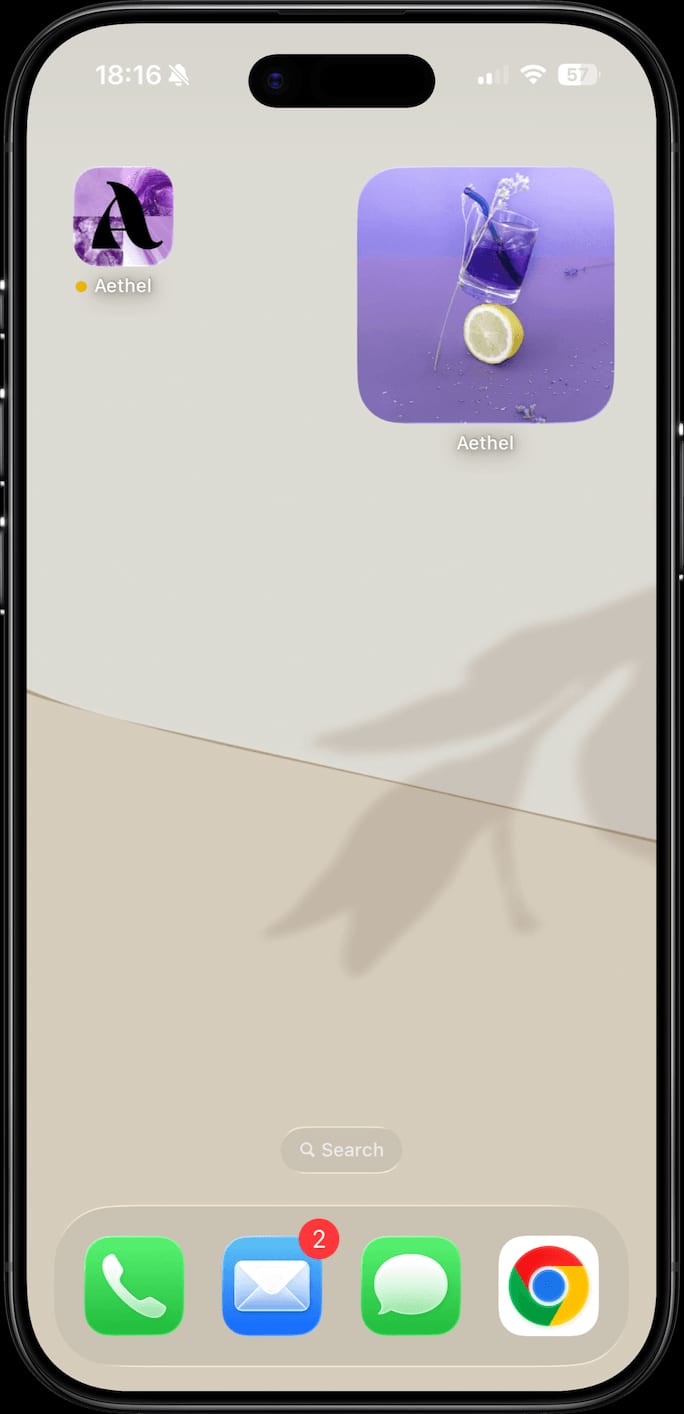
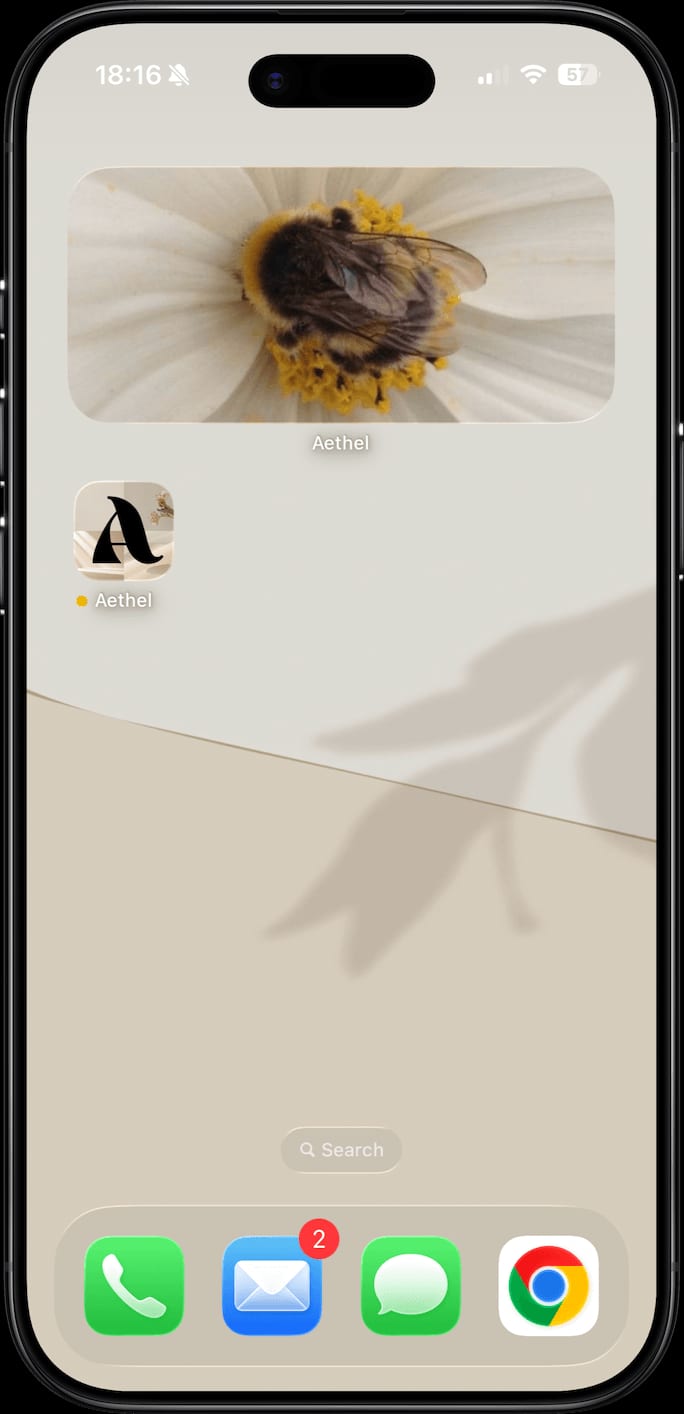
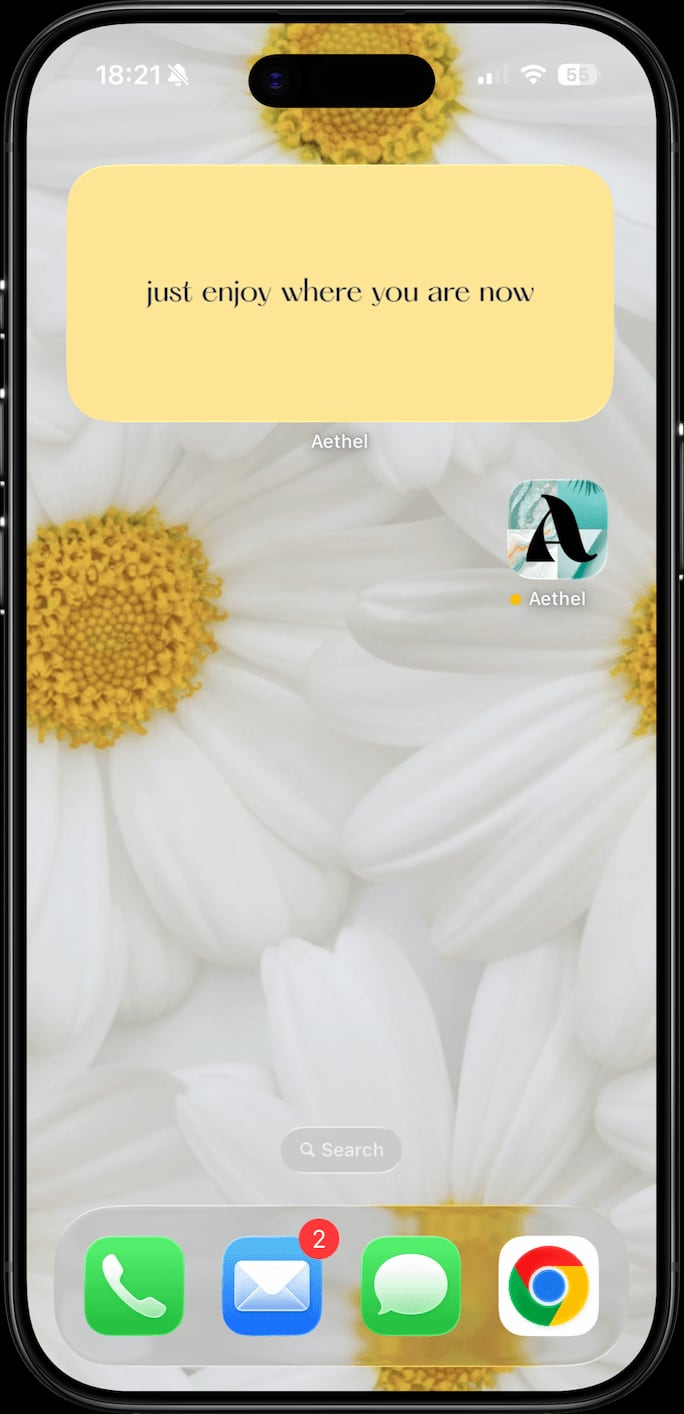
Aethel widgets come in three sizes, and any board you make can power one. A few real examples on the home screen.
How to add a mood board widget from Aethel
- 01
Create your board in Aethel
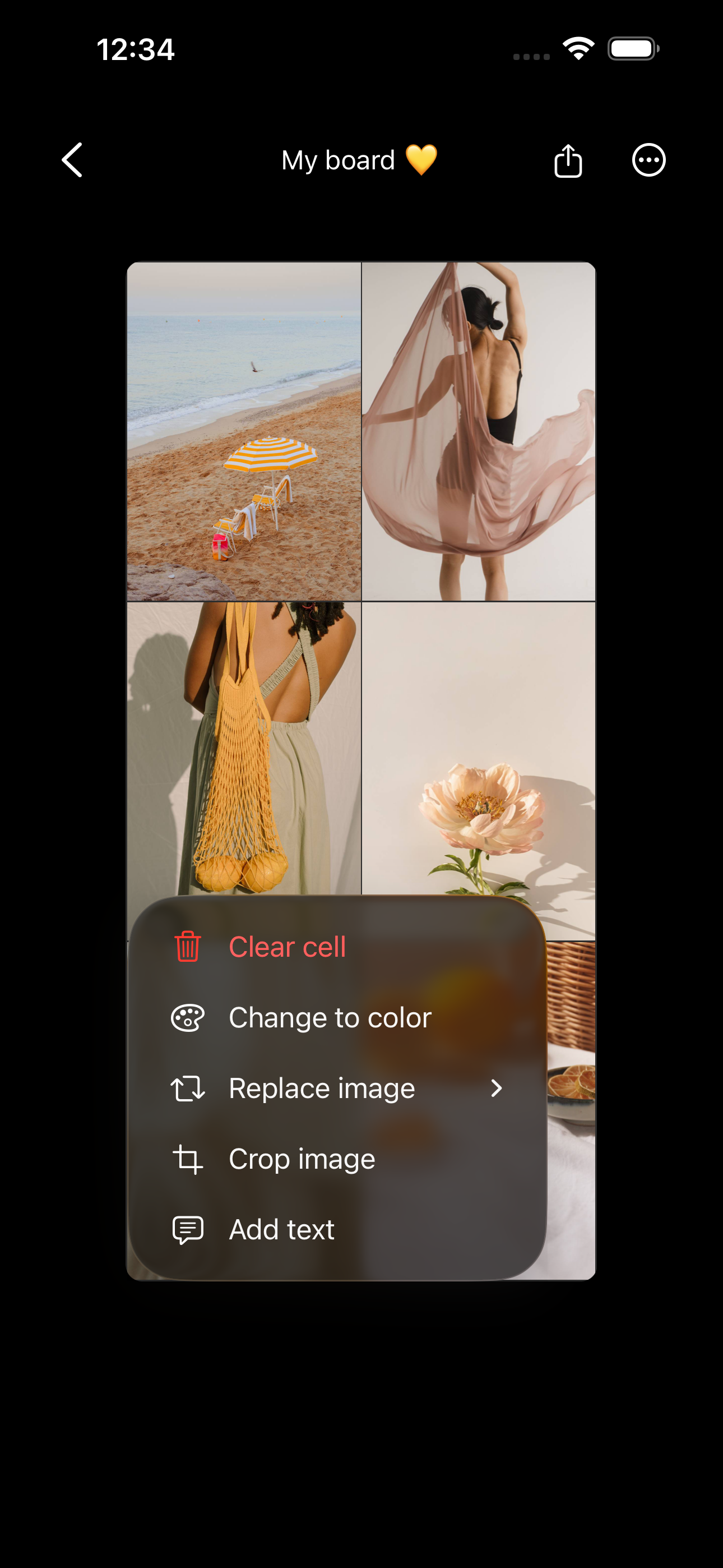
Download Aethel free — it's built for everyday people, not designers — and make the board you want on your home screen. Add photos from your camera roll, your saved Pinterest pins, or Unsplash, plus colours and words. Give it a name and you're set.

- 02
Add the Aethel widget to your home screen
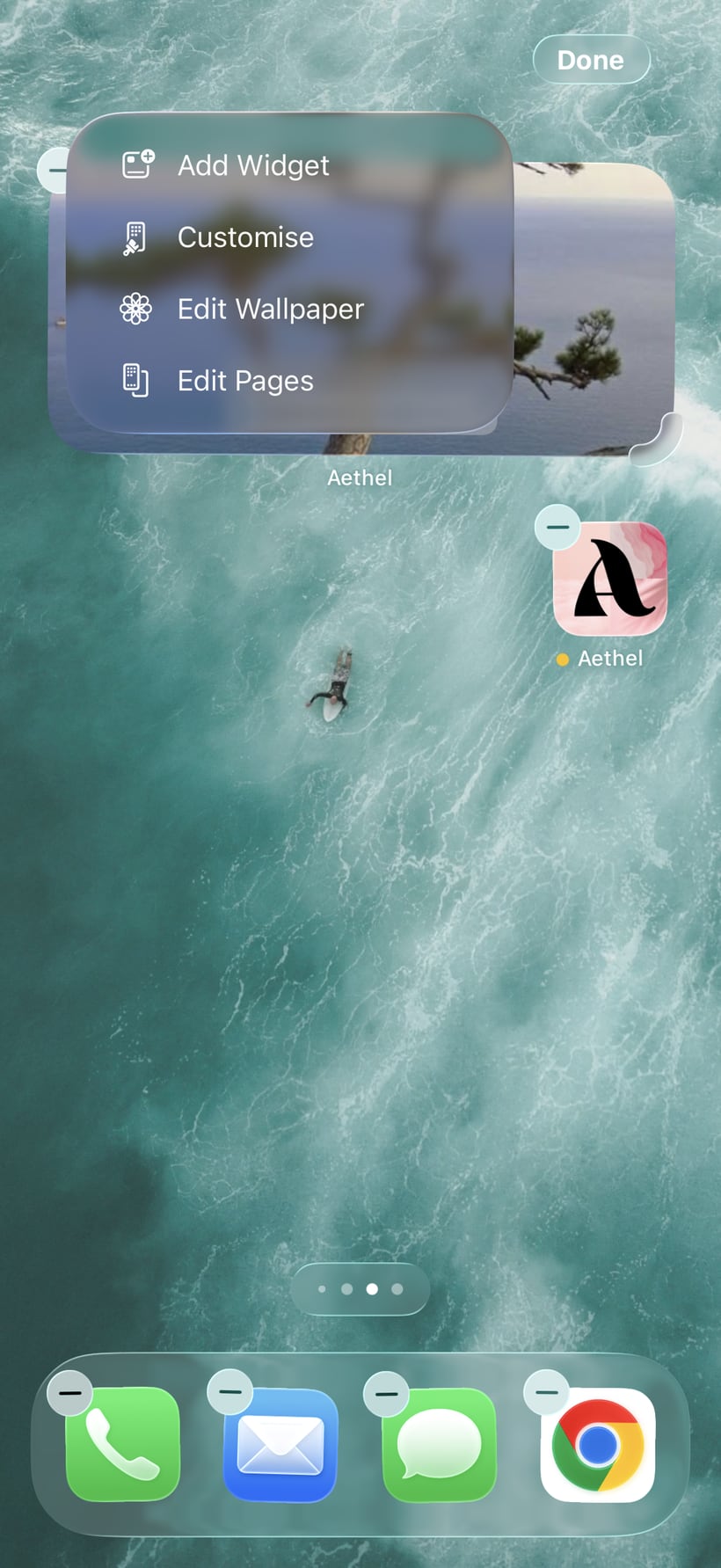
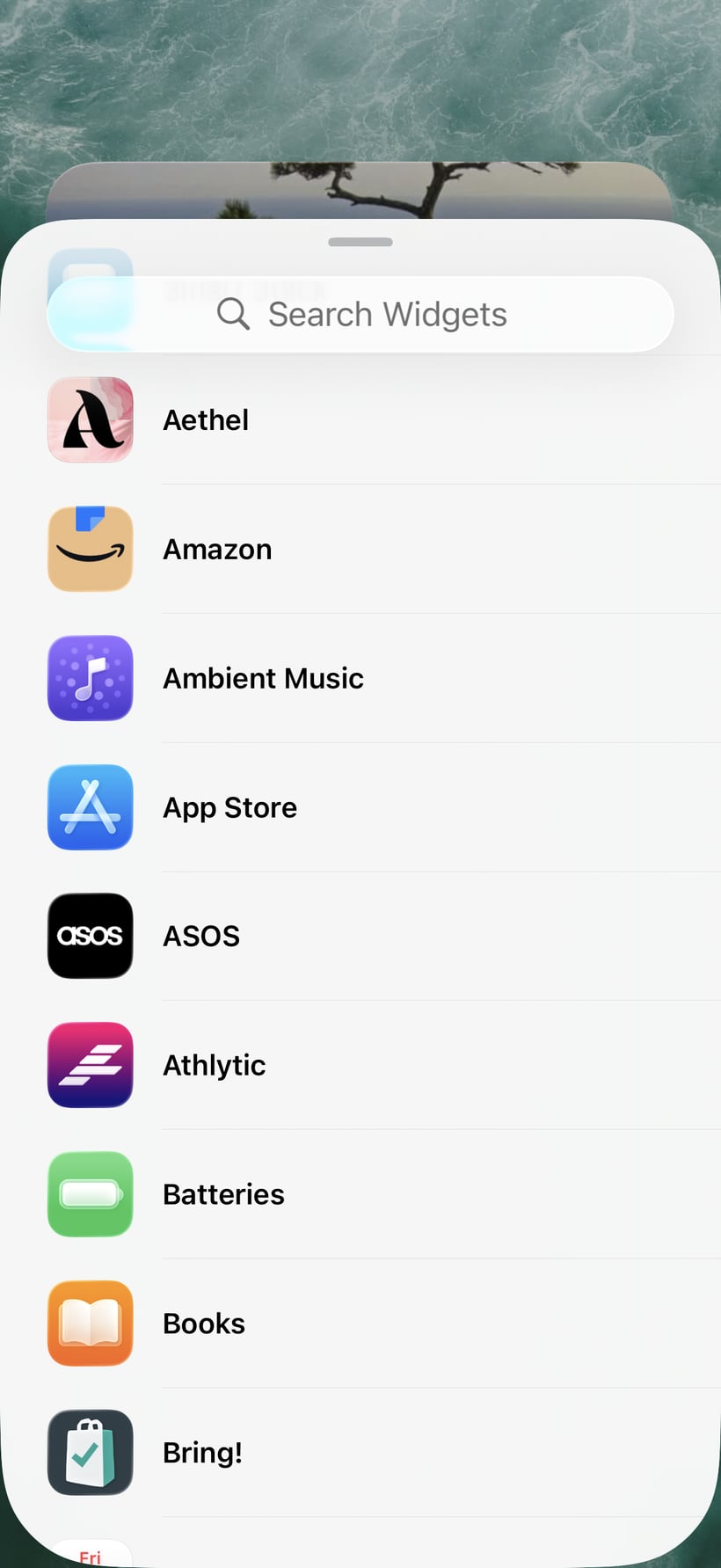
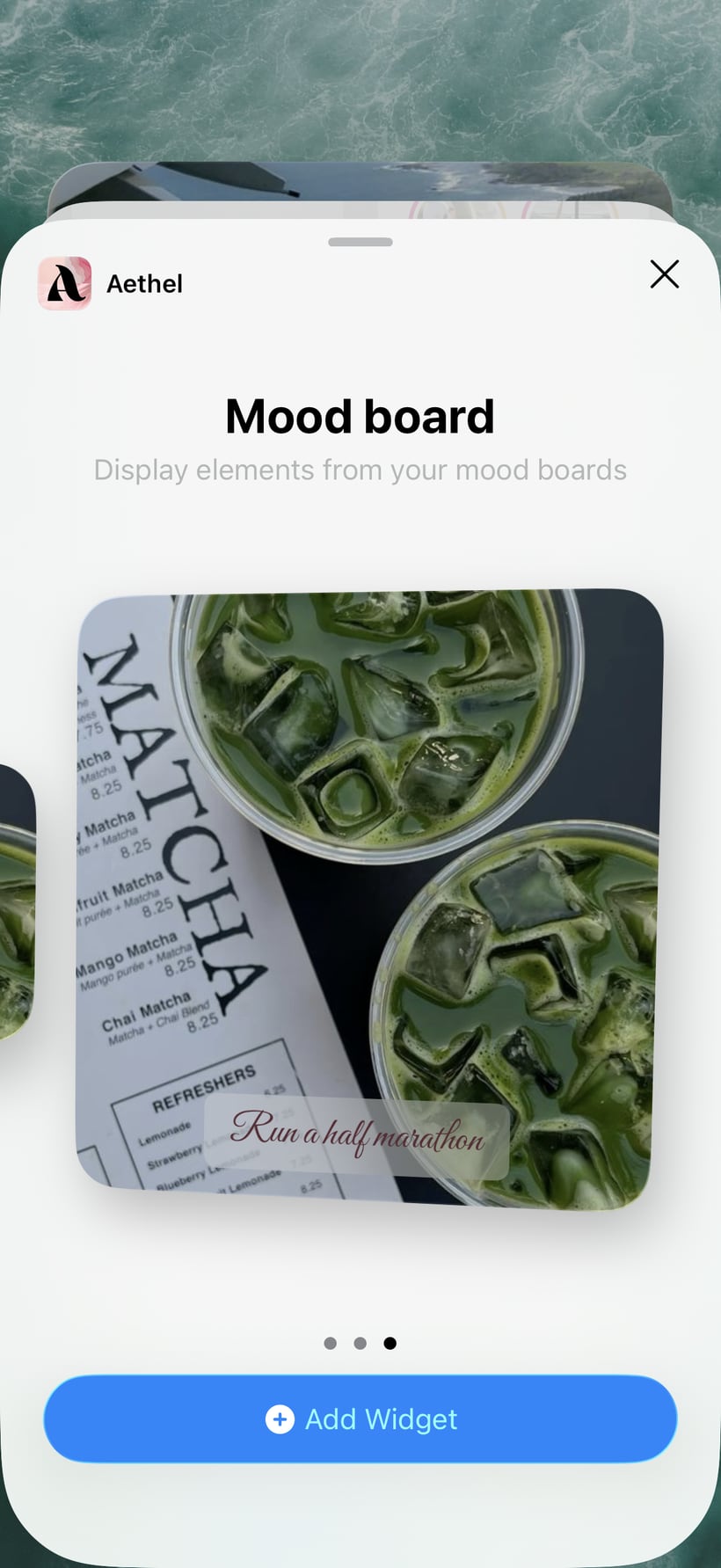
Touch and hold an empty area of your home screen until the apps jiggle and a menu appears, then tap “Add Widget”. Search for “Aethel” in the widget gallery, choose the size you want — small, medium, or large — and tap “Add Widget”. The widget drops onto your home screen.
- 03
Choose the board that powers it
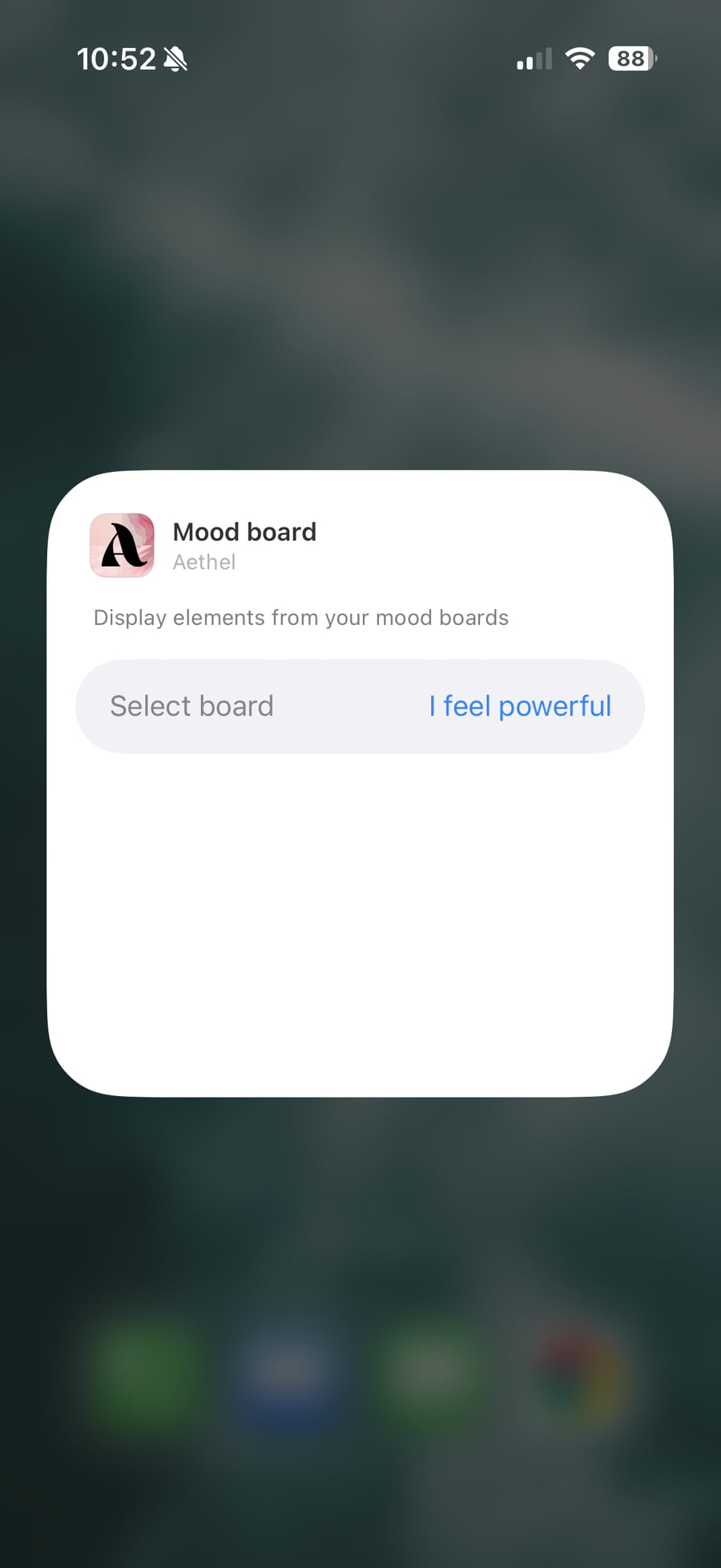
Touch and hold the new widget and tap “Edit Widget”, then tap “Select board” and choose the board you want it to show. Pick your favourite mood board or vision board — the widget will display and rotate through its images and words.
- 04
Done — your board greets you all day
That's it. Your inspiration now lives on your home screen and refreshes through the day, so you see it every single time you pick up your phone. Change the board any time from the widget settings.
Tips for a better board
- Pick a board with a few strong images and one affirmation. The widget rotates through them, so variety keeps it feeling alive.
- Try the large size for a vision board and a small one for a single affirmation — you can add more than one Aethel widget.
- Match your widget to a matching wallpaper (export your board as a wallpaper too) for a home screen that feels fully yours.
Ready to make yours?
Aethel and its home screen widget are free to use. Aethel Premium — unlimited boards, every template, and premium fonts — is a one-time purchase, not a subscription.