
Mood boards
Where to Find Images for a Mood Board

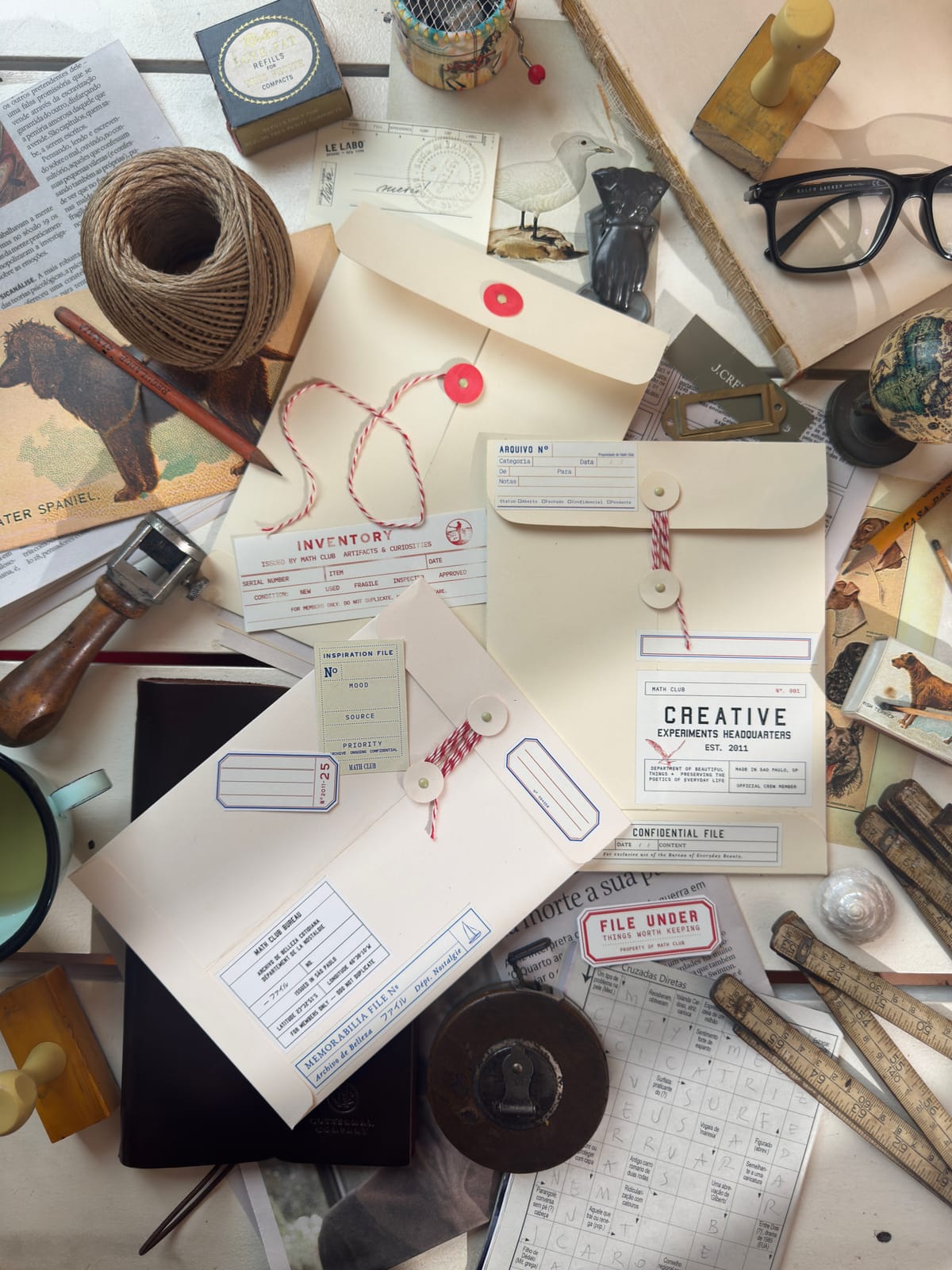
A mood board is only as good as the images on it — and knowing where to find the right ones is half the skill. Some sources are best for polished photography, others for niche aesthetic references, and a few for images you're free to reuse anywhere. This guide runs through the best places to find mood board images, what each one is best for, and how to bring them into your board — plus a plain-English note on what you can and can't do with images you didn't take yourself.
Where do mood board images come from?
Broadly, mood board images come from three kinds of places: your own photos, free stock libraries, and curation or discovery platforms where people collect references. Aethel has three of these built right in — your iPhone camera roll, a searchable Unsplash library, and your own saved Pinterest pins — so you can build most boards without leaving the app. For everywhere else, the workflow is the same: find an image you love, save it to your camera roll, and add it to your board from there. Below are the sources worth knowing, and when to reach for each.
How to use any source well
Wherever your images come from, a few habits keep your board both beautiful and above board.
Know the difference: private vs. shared
A mood board that lives on your own phone as a wallpaper is personal use — you have wide latitude. The moment you publish it, sell from it, or share it publicly, switch to properly licensed images (Unsplash, Pexels, Openverse, public domain).
Credit the creators
Images on Pinterest, Cosmos, and Are.na belong to the people who made them. Use them as inspiration, and where you can, trace a reference back to its source and give credit — especially if you share your board.
Cohesion beats quantity
The best boards aren't the ones with the most images — they're the ones where every image serves one mood. Pull from a few sources, but curate to a single palette and feeling.
Lead with your own photos
Stock is convenient, but a board full of your own images always feels more personal and alive. Mix one or two real photos in with the polished ones and the whole board warms up.
The best places to find mood board images
The right source depends on what you're after — a hero photograph, a specific niche vibe, or an image you can legally reuse. Here's what each is best for. The first three are built into Aethel; the rest you save to your camera roll, then add.
Your camera roll — built into Aethel
Always the best place to start. Your own photos, screenshots, and saves are personal, unique, and unquestionably yours to use. Best for: real-life boards, travel, and anything you want to feel like you.
Unsplash — built into Aethel
A huge library of high-resolution photography, free to use, searchable right inside the app. Best for: hero shots, backgrounds, and polished aesthetic photos when you don't have your own. Just search a keyword and tap to add.
unsplash.comPinterest — built into Aethel
Connect your account and pull in the pins you've already saved. Aethel surfaces your own boards and saved pins — not a public search — so it's perfect when you've been collecting inspiration on Pinterest for months. Best for: turning a saved collection into a finished board.
pinterest.comPexels
Another large, free stock library of photos (and video), similar to Unsplash with a slightly different look. Best for: a second opinion when Unsplash doesn't have the shot. Save your favourite to your camera roll, then add it in Aethel.
pexels.comCosmos
A curation and discovery app where people collect strikingly specific aesthetics — the place to go when you're chasing a very particular vibe an algorithm won't surface. Best for: niche mood-hunting and unusual references. Save to your camera roll, and remember the images belong to their creators.
cosmos.soOpenverse
A search engine for openly licensed and public-domain images (Creative Commons and more). Best for: when you'll share or publish your board and need images you're genuinely free to reuse — just follow any attribution the licence asks for.
openverse.orgPublic-domain & museum archives
Collections like The Met Open Access, Rawpixel, and the Smithsonian offer vintage art, illustration, and ephemera that are free to use. Best for: editorial, vintage, and collage-style boards with a point of view.
The Met Open AccessAre.na
A quieter, research-minded curation platform where people build visual channels around ideas. Best for: deep, thoughtful sourcing when you want references with context, not just pretty pictures.
are.naHow to add images to your board in Aethel
- 01
Download Aethel and open a board
Aethel is a free mood board maker built for everyday people, not designers — no design skills, no subscription. Download it and open a new board to start.

- 02
Add from your camera roll, Unsplash, or Pinterest
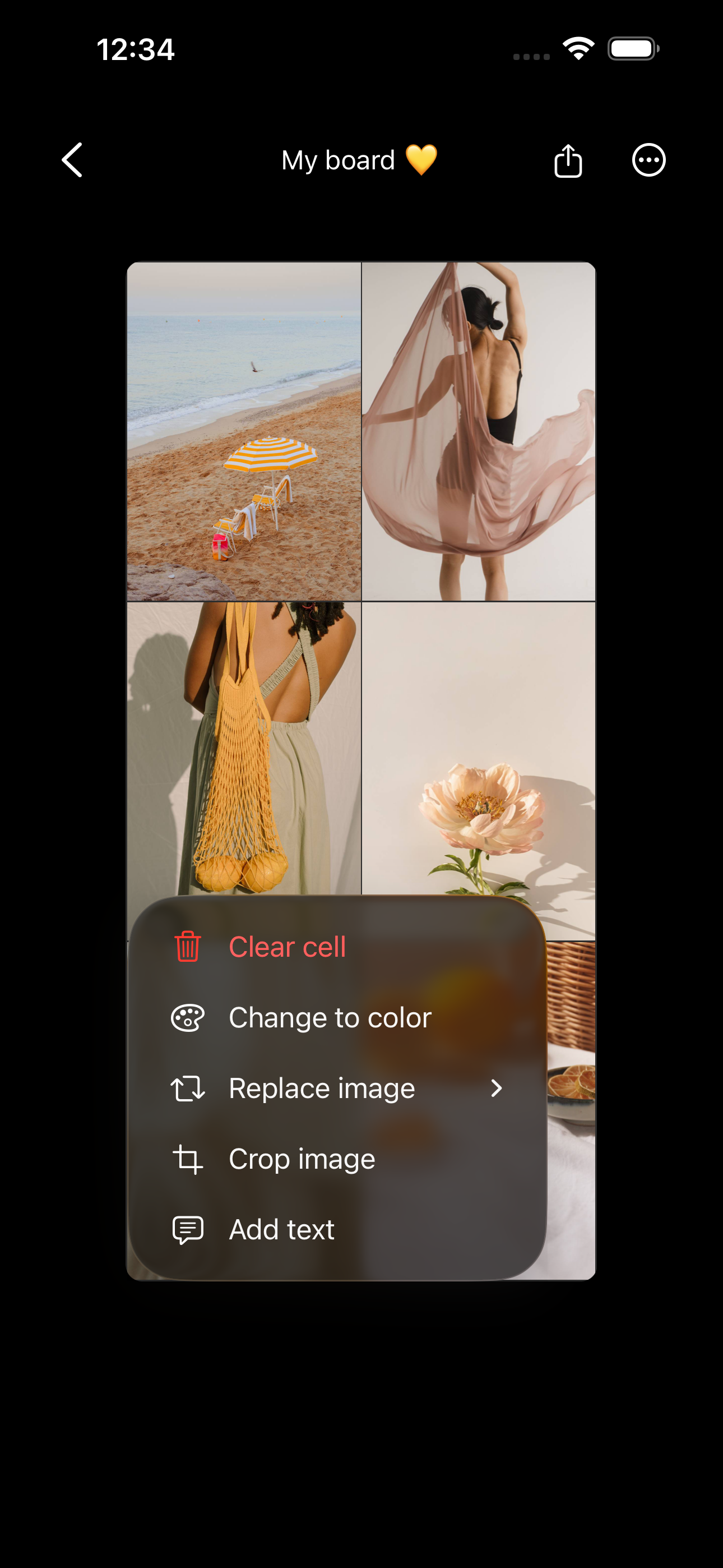
Tap a cell and choose your source: add a photo from your camera roll, search the built-in Unsplash library, or connect Pinterest to pull in your own saved pins. All three live inside the app.
- 03
Bring in images from anywhere else
Found something on Pexels, Cosmos, Openverse, or a museum archive? Save it to your iPhone camera roll first, then add it to your board from the camera roll — that's how any image from the web gets in.
- 04
Curate, then save
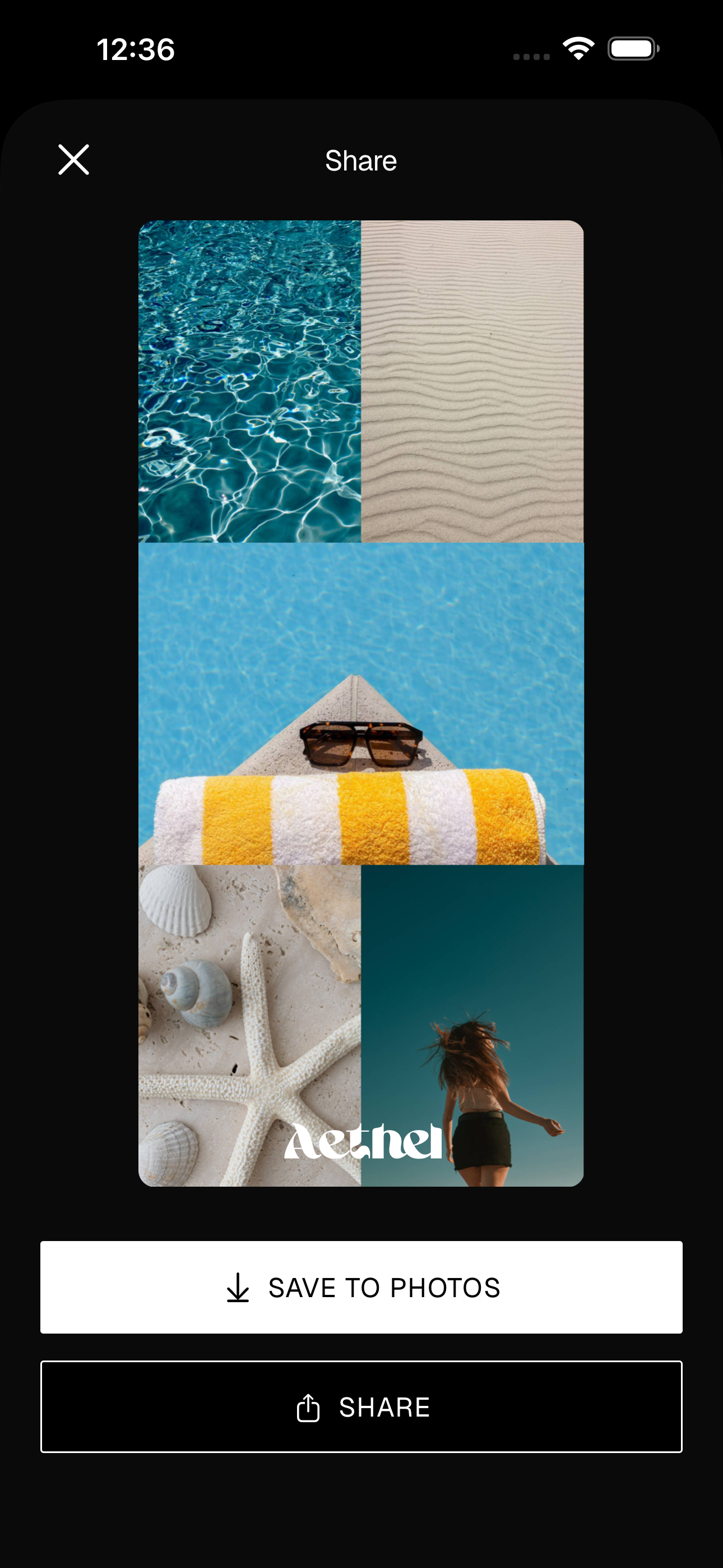
Arrange your images, drop in a colour block or a word or two, and trim anything that doesn't fit the mood. Then save your board and set it as your wallpaper or a home screen widget.
Tips for a better board
- Use Google Images only as a starting point — it indexes pictures from all over the web with wildly different rights. If you find something there, trace it to its original source and check you're allowed to use it before you rely on it.
- Save a 'sources' note. When a board comes together, jot down where the key images came from — it makes crediting easy later and helps you find more like them.
- Build one palette first. Pick two or three colours, then let that guide which images you save from every source. It's the fastest way to a board that looks designed.
Ready to make yours?
Aethel is free to download, with the camera roll, Unsplash, and Pinterest all built in. Aethel Premium — unlimited boards, every template, and premium fonts — is a one-time purchase, not a subscription.