
Vision boards
Action Board: The Vision Board That Actually Gets Done


A vision board shows you the life you want. An action board shows you how to get there. It's the same beautiful grid — but instead of filling every cell with a dreamy image, you fill some of them with a single, concrete action: “email the gallery,” “save €200,” “walk every morning.” The picture keeps you inspired; the words keep you moving. This guide breaks down exactly what an action board is, how it differs from a classic vision board, and how to make one in minutes on your iPhone — no design skills, just your photos and a few words.
What is an action board?
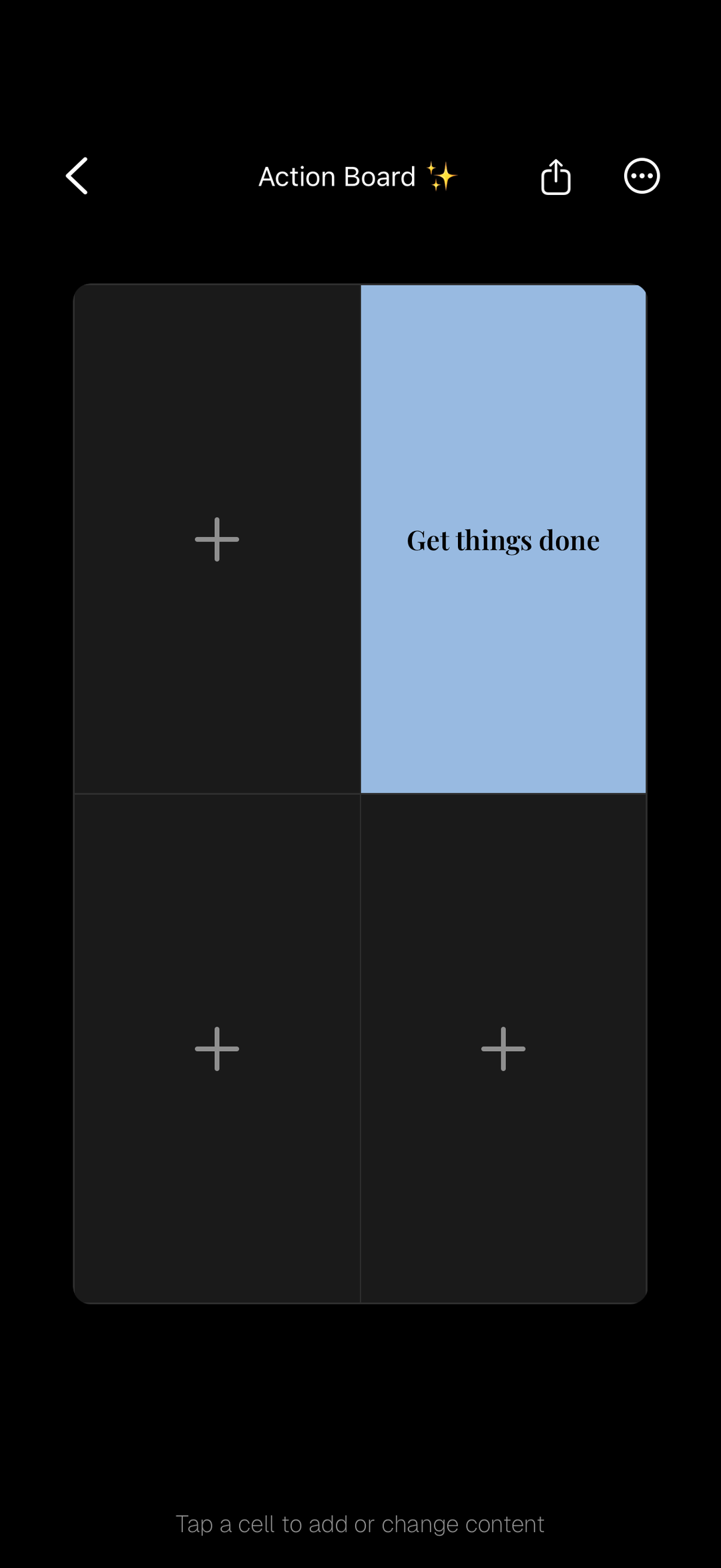
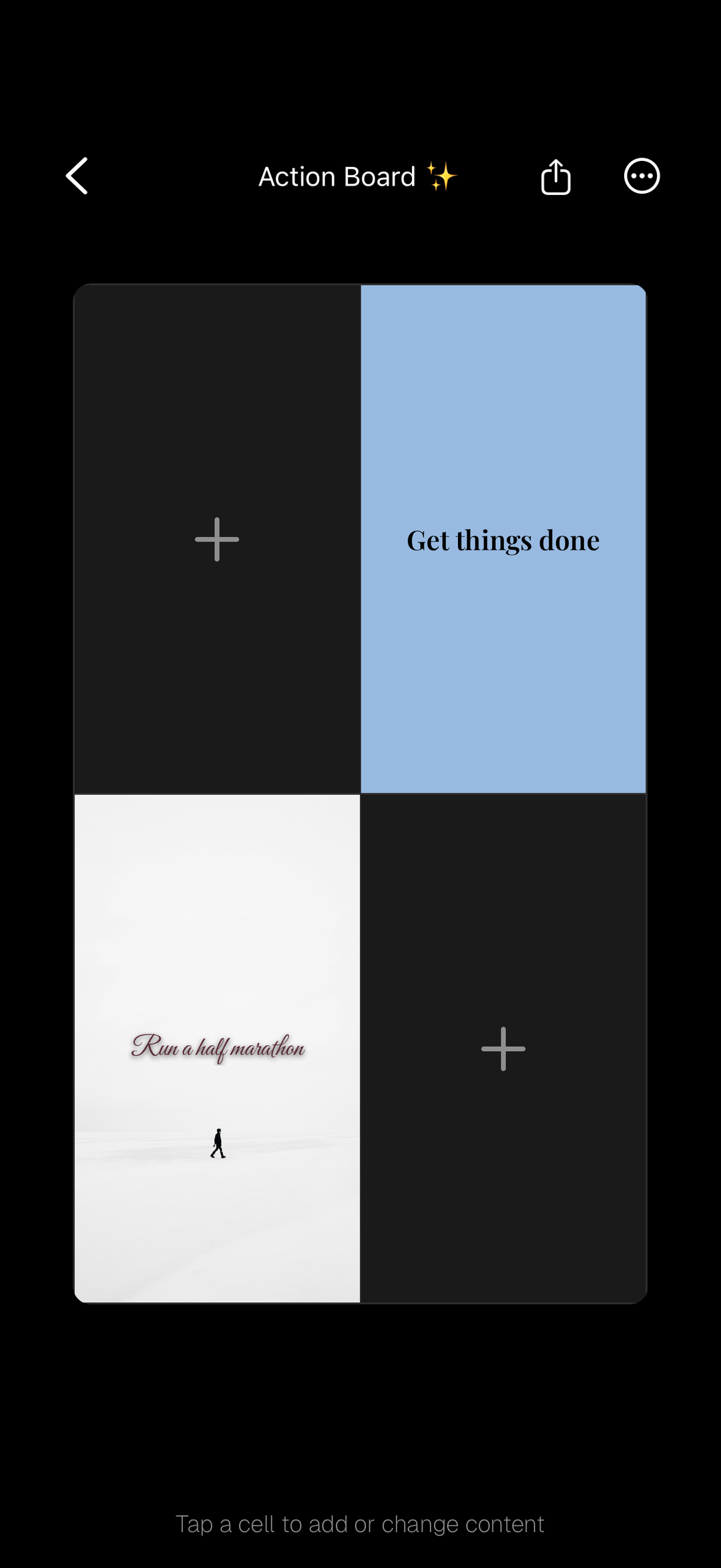
An action board is a visual board — usually a grid, digital or on paper — where each cell holds a concrete action or step rather than only an image of an end goal. Think of it as a vision board and a to-do list rolled into one: some cells carry a photo of what you're working toward, and others carry a short, specific instruction to yourself — “book the flight,” “post twice a week,” “drink more water.” The idea is simple but powerful. A goal like “be healthier” is a wish; “stretch for ten minutes after waking” is something you can actually do today. By putting the doing right next to the dreaming, an action board closes the gap between wanting a life and building it. In Aethel you make one by tapping a cell and choosing “Add text” to write a word or short sentence in the font of your choice — so your next step lives on the same board as your inspiration, and even on your home screen.
Why make an action board?
A vision board sets the destination; an action board draws the map. Here's what you get when your board tells you what to do next.
It turns dreams into steps
A picture of a finished novel is inspiring; “write 500 words before coffee” is achievable. An action board breaks a big vision into moves small enough to actually make.
You always know the next move
No more staring at a beautiful board wondering what to do about it. Every cell is a nudge — a clear, specific action you can take today.
Momentum you can see
Checking off a step feels good, and that feeling compounds. An action board makes progress visible, which is exactly what keeps you going.
It quiets the overwhelm
A giant goal is paralysing. A single next action isn't. Breaking the dream into cells makes the whole thing feel doable instead of daunting.
It pairs feeling with doing
Images set the mood and remind you why it matters; words tell you what's next. Together they hit both the heart and the hands.
It lives where you'll see it
Set your action board as your iPhone wallpaper or a home screen widget and your next step greets you every time you unlock your phone.
Action board vs. vision board
They're close cousins — same grid, same tools, often the same board. The difference is the job each cell does: a vision board visualises the outcome, while an action board spells out the steps. Here's how to tell them apart, and when to reach for each.
A vision board is about visualising
Every cell shows the outcome you want — the home, the trip, the body, the feeling. It answers “what do I want?” and keeps you emotionally connected to the goal.
An action board is about doing
Every cell shows a step you can take — save this much, message that person, practise this habit. It answers “what do I do next?” and keeps you moving.
Dreaming vs. deciding
A vision board is where you let yourself want something. An action board is where you decide how you'll get it. Most people need both — the why and the how.
When to make a vision board
At the start of a chapter, when you're still clarifying what you actually want. Lead with images and feeling; let the goal take shape.
When to make an action board
Once the goal is clear and it's time to move. When motivation is high but you keep stalling, an action board turns intention into a plan.
Or blend the two
The best boards often do both: a few hero images for the dream, a few word-cells for the doing. In Aethel it's one board — add a photo to one cell, add text to the next.
Actions to put in your cells
Stuck on what to write? The trick is to make each action small, specific, and doable this week. Here are ideas by life area — swap in the version that fits your goal.
Career & money
“Send one pitch a week.” “Save €200 this month.” “Update my portfolio.” “Ask for the meeting.” Concrete moves beat “get promoted.”
Health & body
“Walk 8k steps.” “Cook three dinners at home.” “Lights off by 11.” “Stretch after waking.” Tiny habits, written where you'll see them.
Love & relationships
“Text her back today.” “Plan one date this week.” “Call Mum on Sunday.” Actions turn “be more present” into something you can actually do.
Creativity & growth
“Write 500 words.” “Finish the online course.” “Read ten pages before bed.” “Practise 20 minutes.” Progress lives in the reps.
Home & space
“Declutter one drawer.” “Order the shelf.” “Frame the prints.” Break “sort out the flat” into single, satisfying cells.
Mindset & wellbeing
“Journal three lines.” “No phone for the first hour.” “Say the affirmation out loud.” Small rituals, made visible and repeatable.
What an action board looks like
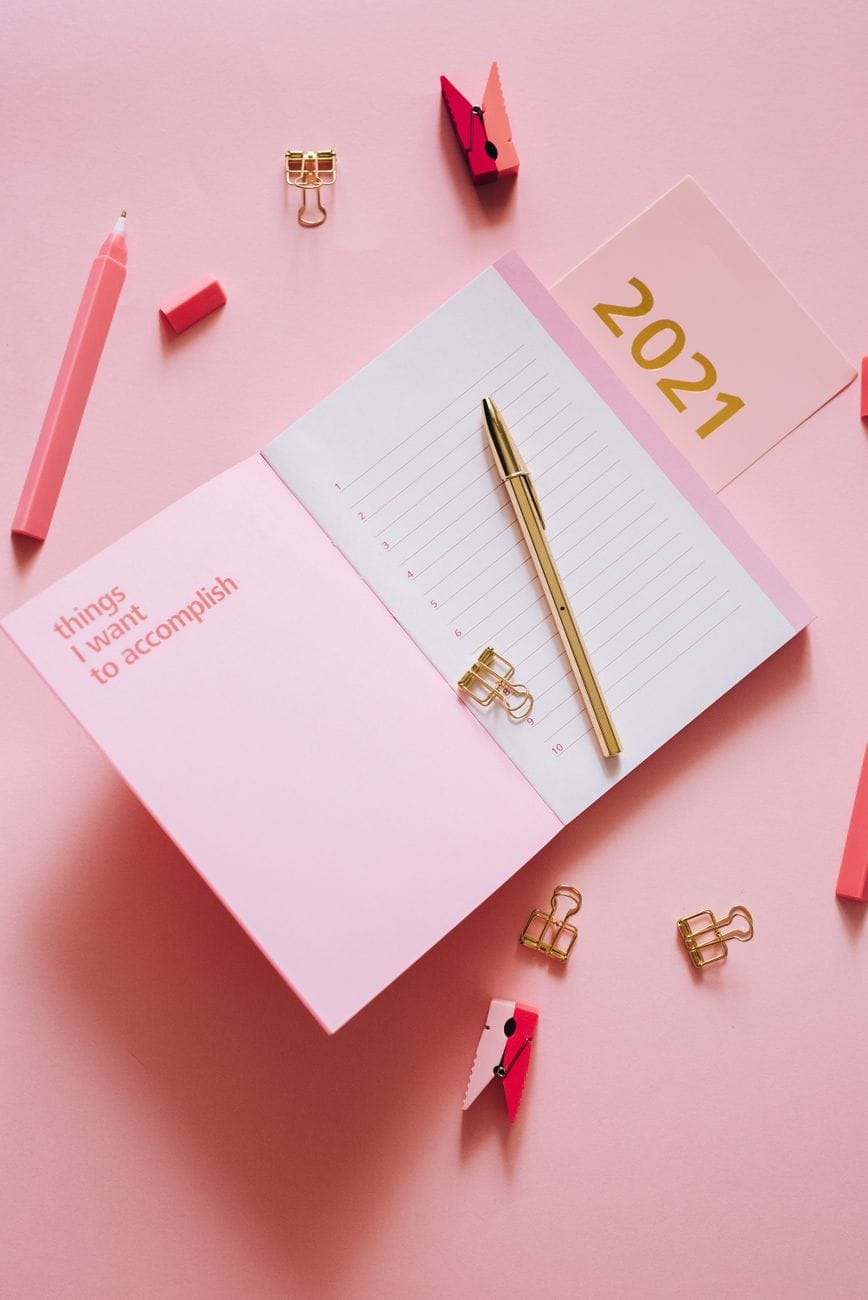
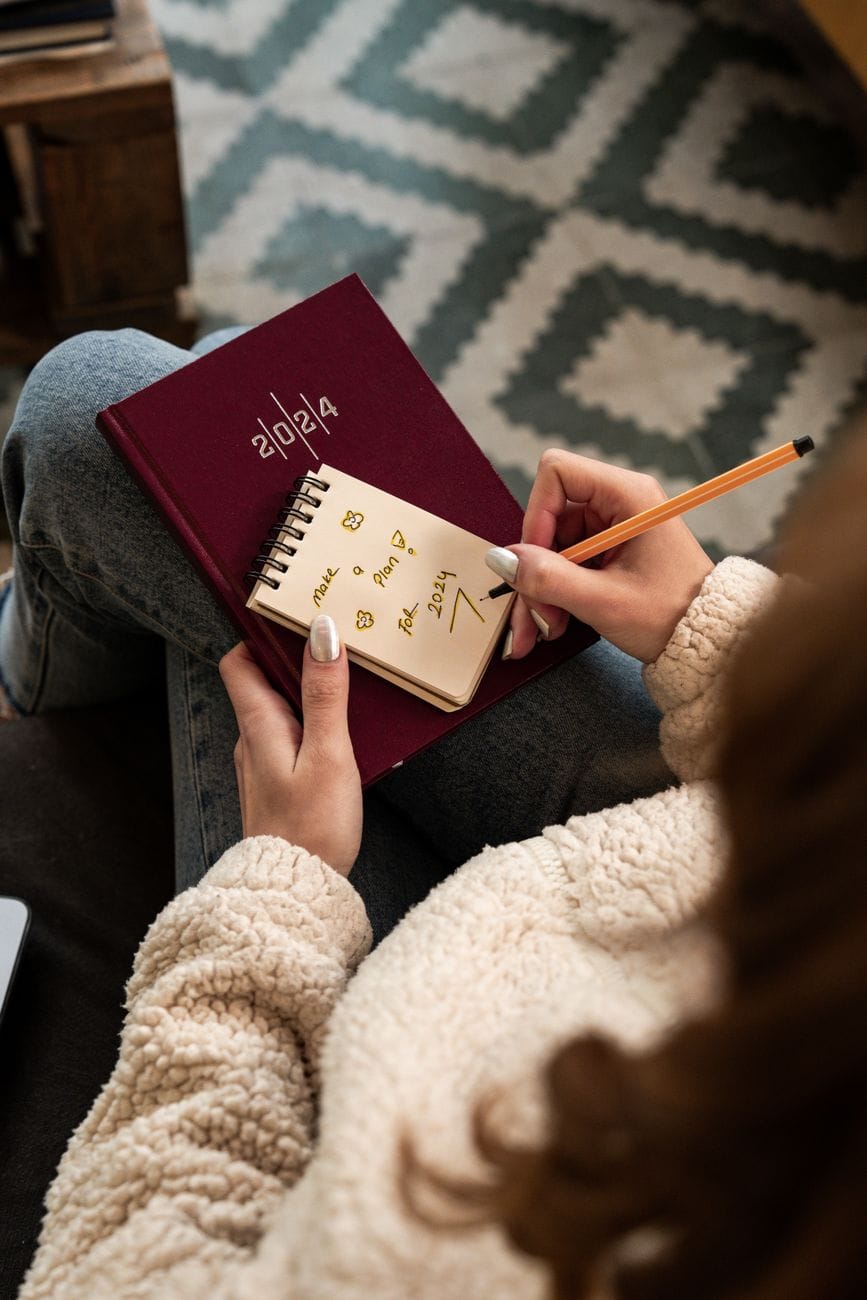
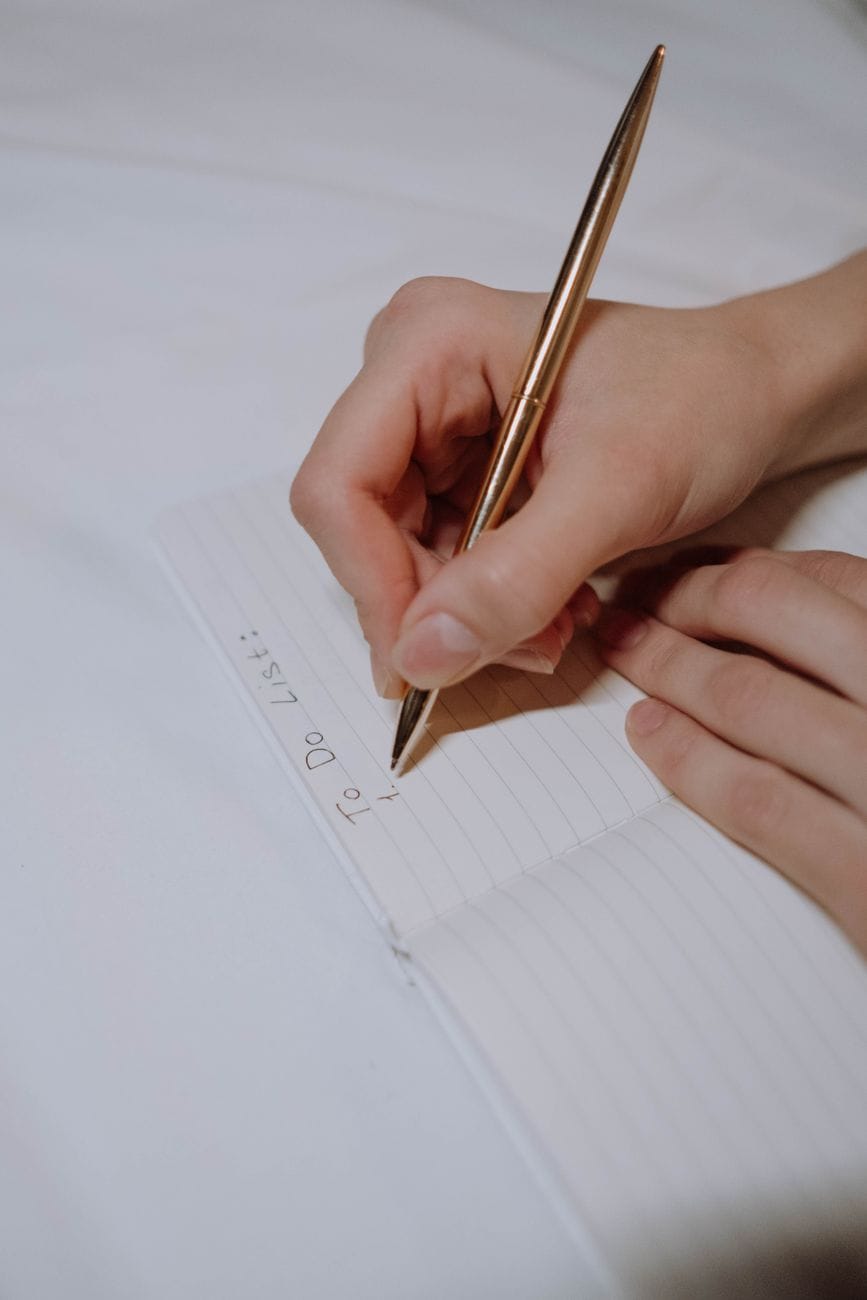
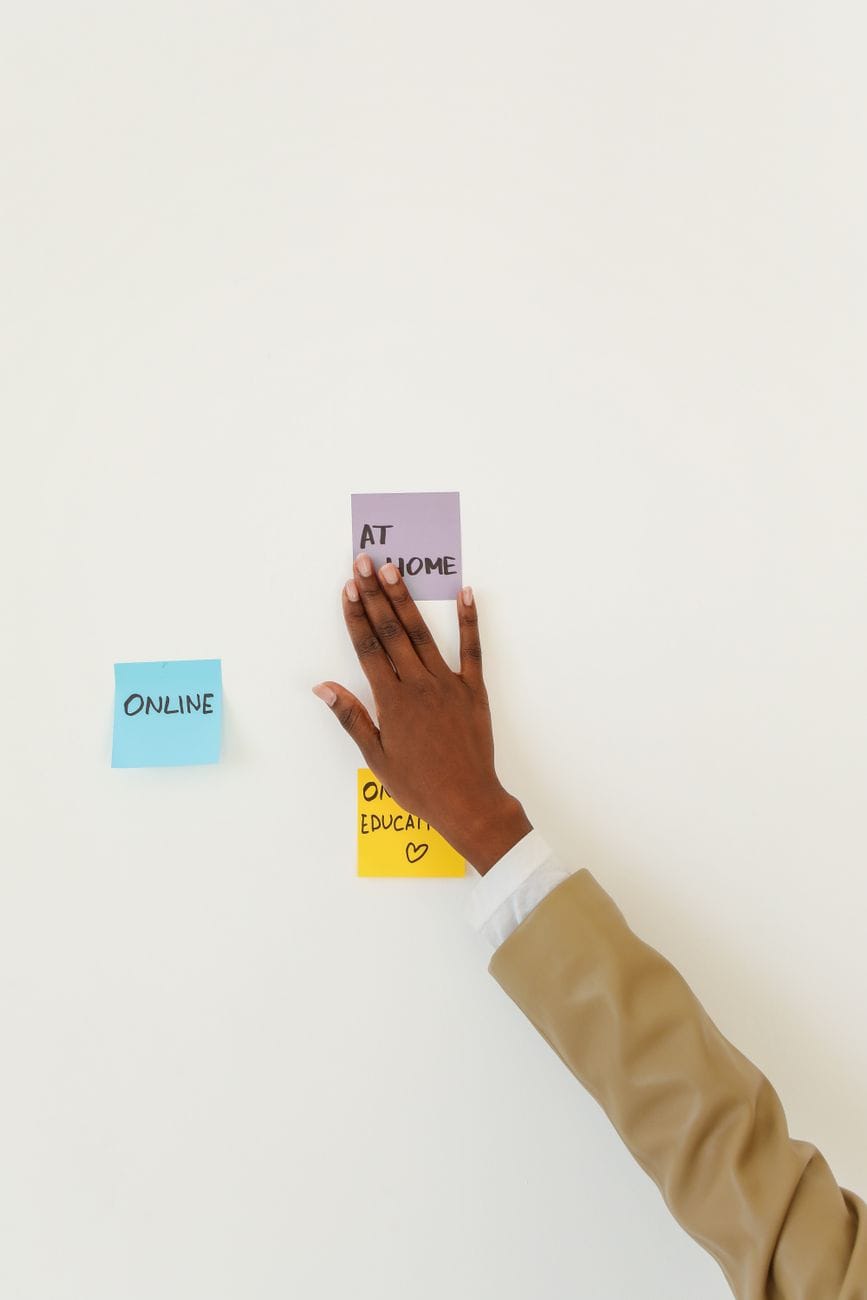
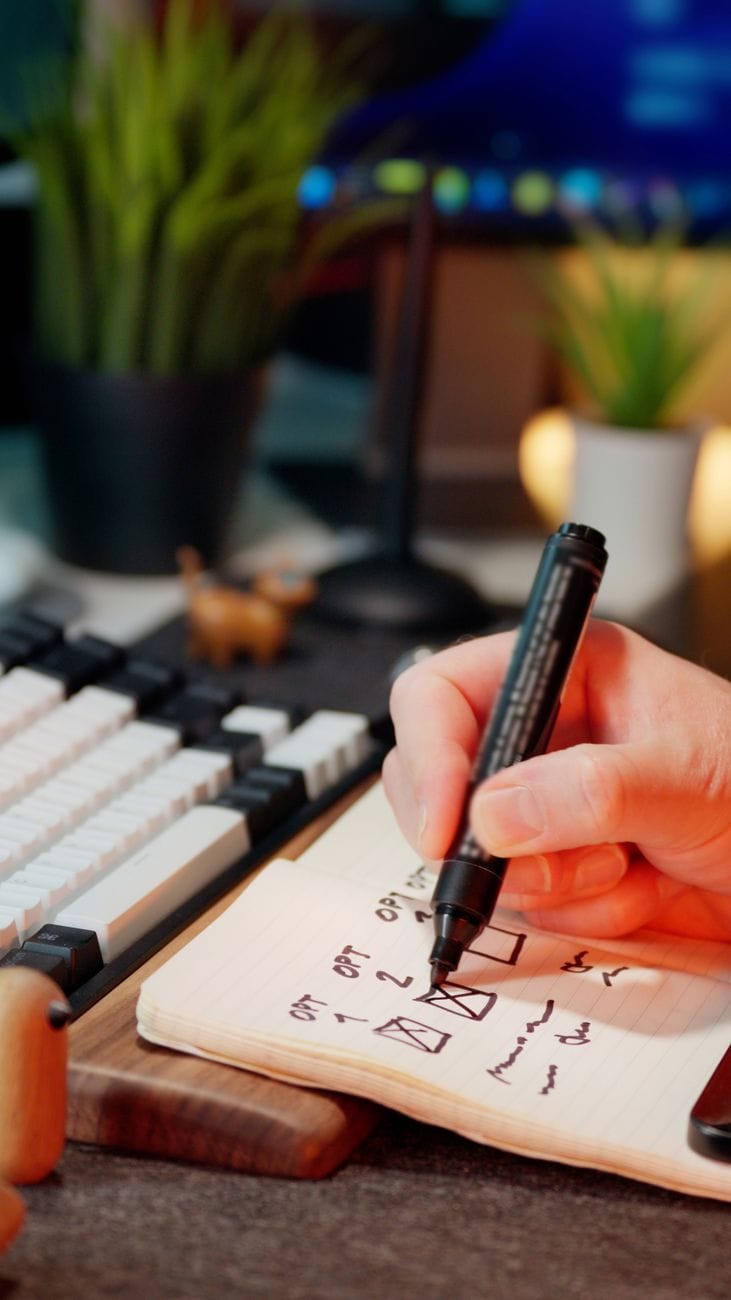
Digital or on paper, the through-line is the same: words that tell you what to do, sitting right beside the images that remind you why. A few examples of the idea in the wild.

How to make an action board in Aethel
- 01
Download Aethel and open a new board
Aethel is a free board maker built for everyday people, not designers — no design skills, no complicated tools, no subscription. Download it, open a new board, and you're ready to start. No account needed.

- 02
Name the goal this board is about
Before anything else, get clear on the one goal you're working toward — a launch, a habit, a move, a milestone. An action board is only as useful as the goal behind it is specific.
- 03
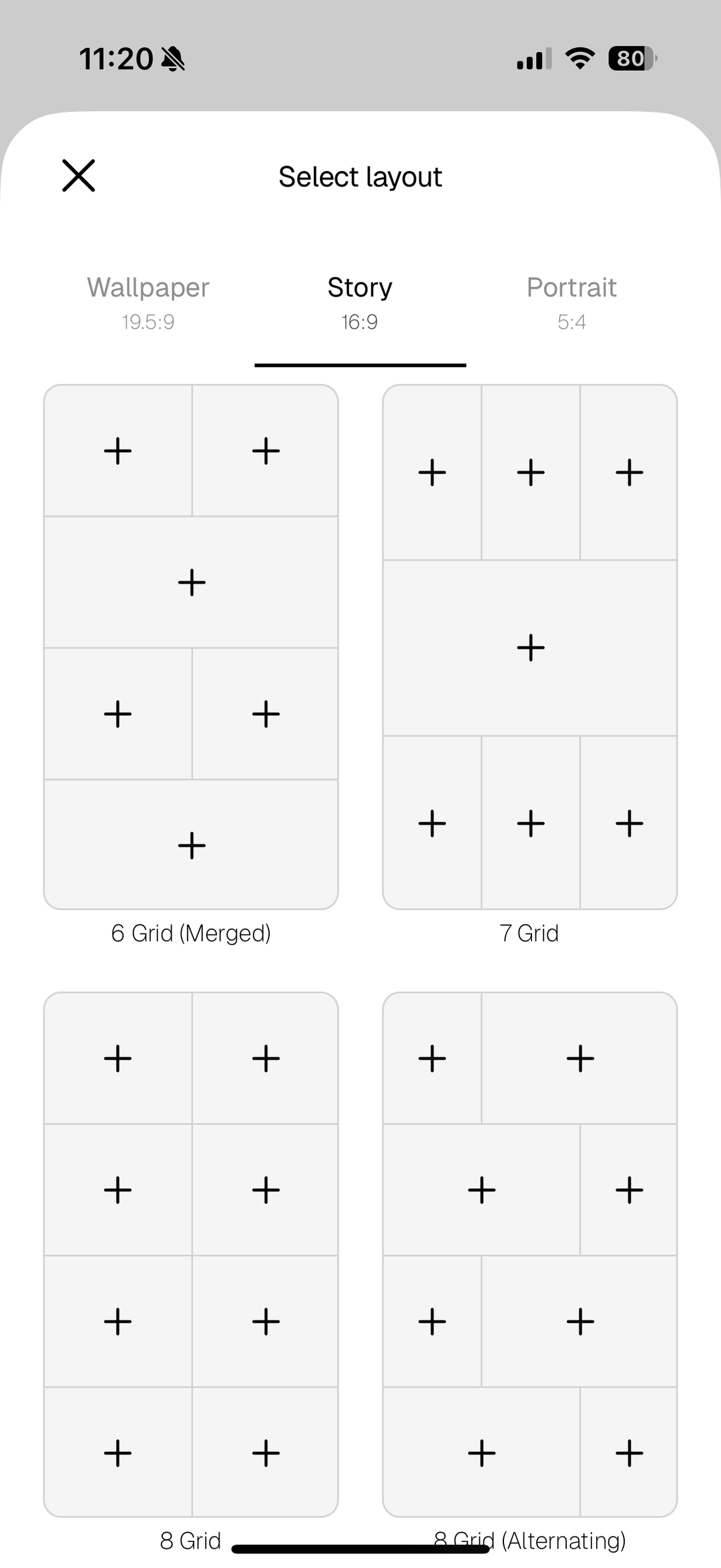
Pick a layout
Create a new board and choose a grid — Wallpaper (19.5:9), Story (16:9), or Portrait (5:4). More cells means room for more steps, so pick a layout with enough squares for your plan.
- 04
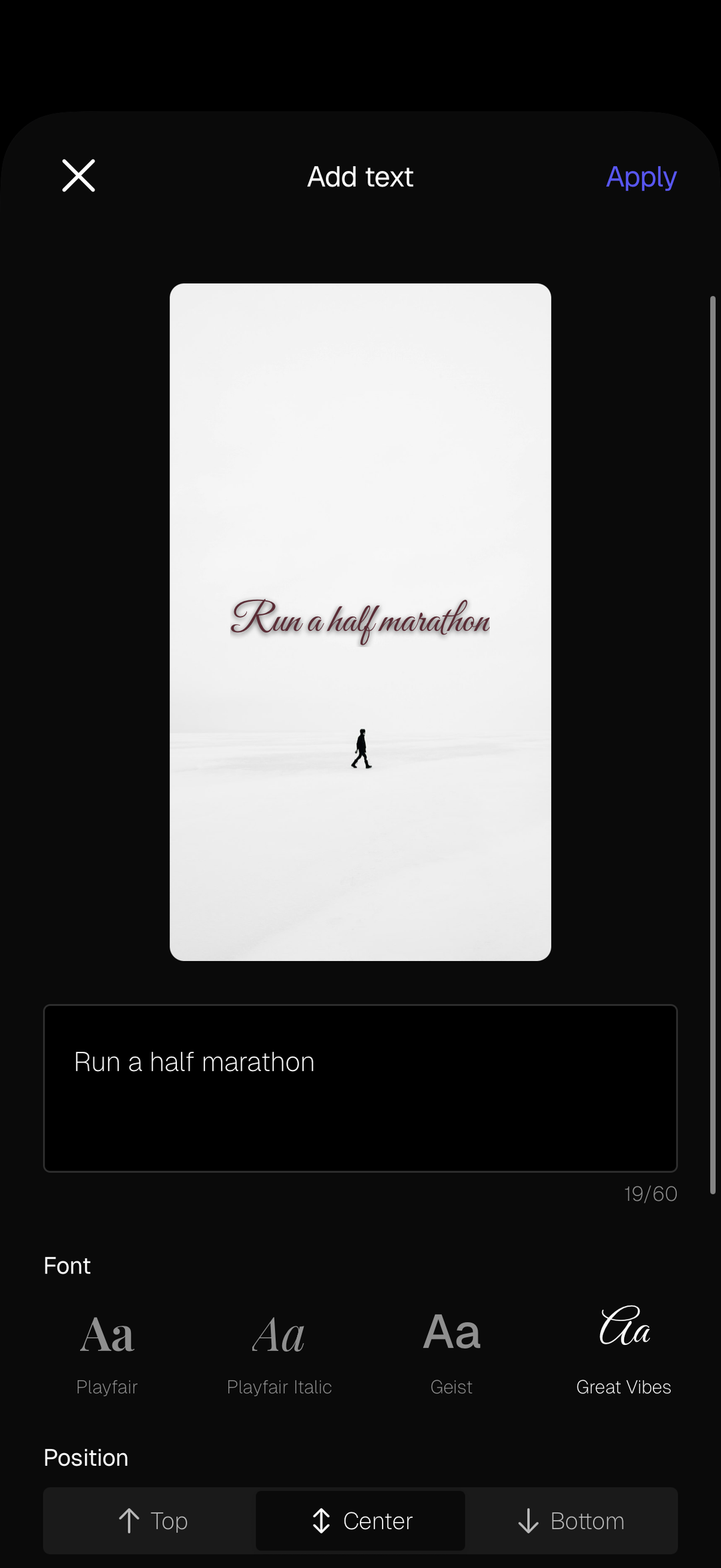
Write an action in each cell
This is the heart of an action board. Tap a cell, choose “Add text,” and write a single, specific step — “run a half marathon,” “save €200,” “email the gallery” — in the font of your choice. One clear action per cell keeps the board scannable and doable.
- 05
Mix in images and colour to stay inspired
Between your action cells, drop in a few images of the goal itself — from your camera roll, your own saved Pinterest pins, or the built-in Unsplash search — plus a solid colour block or two. The pictures keep the dream alive; the words keep you moving toward it.
- 06
Save it where you'll act on it
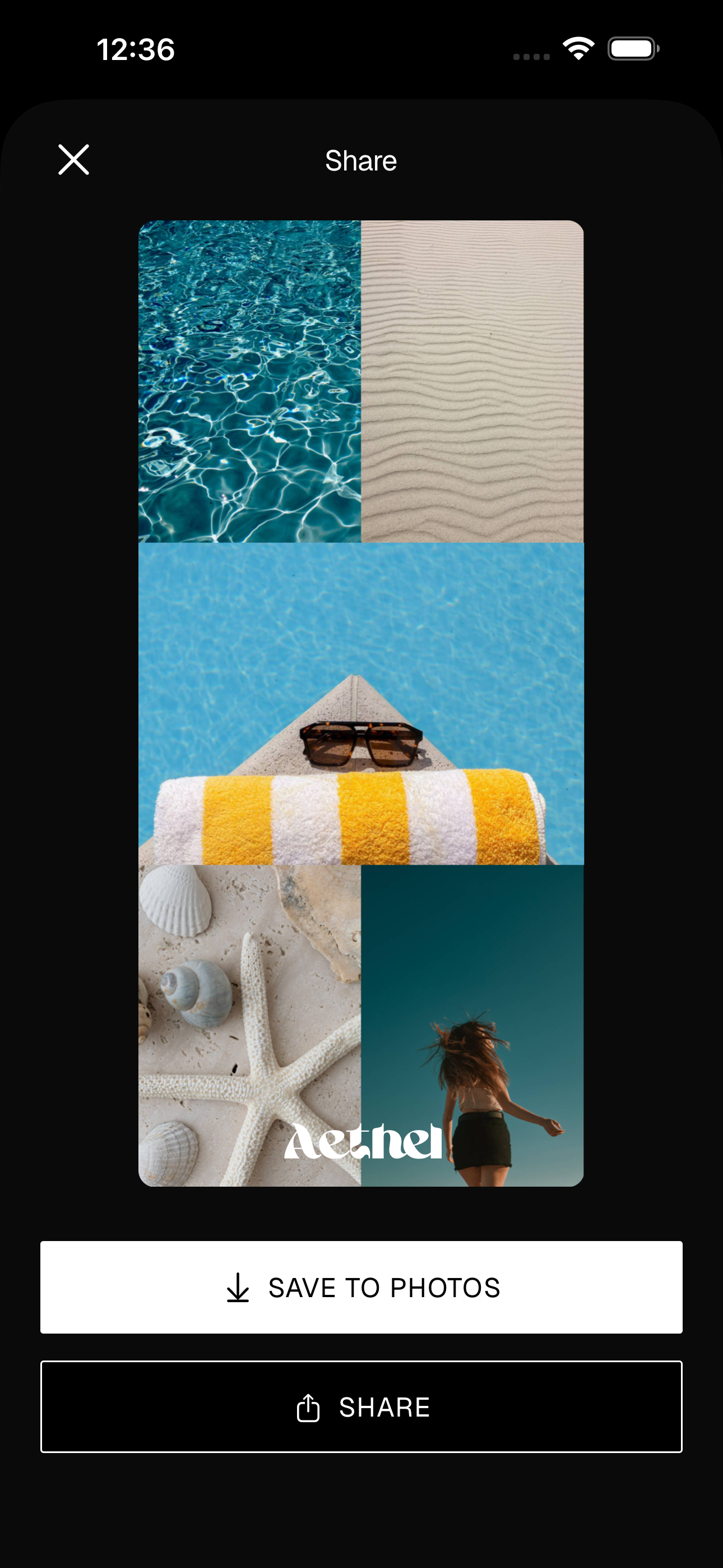
Give your board a name, then tap Share and “Save to Photos.” Set it as your iPhone wallpaper or add it as a home screen widget so your next action is in front of you all day — and update it as you tick steps off.
Tips for a better board
- Make every action tiny. If a cell feels like a project, it's a goal, not an action — break it down until it's something you could do today.
- Keep a couple of image cells for the dream itself. Words drive the doing, but a picture of why you're doing it keeps the motivation alive.
- Refresh it often. As you complete actions, swap them for the next step. An action board is meant to move — treat it like a living plan, not a poster.
Ready to make yours?
Aethel is free to download and you can build your first action board right away. Aethel Premium — unlimited boards, every template, and premium fonts — is a one-time purchase, not a subscription.